Instagram Comment to DM Automation
When someone comments a keyword like LINK or PRICE on your post or Reel, HeyDM replies to the comment and sends them a DM with your link, file or offer within seconds. It runs on Meta's official Instagram API, so you never share your Instagram password.
14-day free trial, then $9.99/month or $99/year. Cancel anytime.
How comment-to-DM works in HeyDM
You set it up once per post, or once for every future post. After that it runs around the clock, including the hours when a Reel picks up speed and you are asleep.
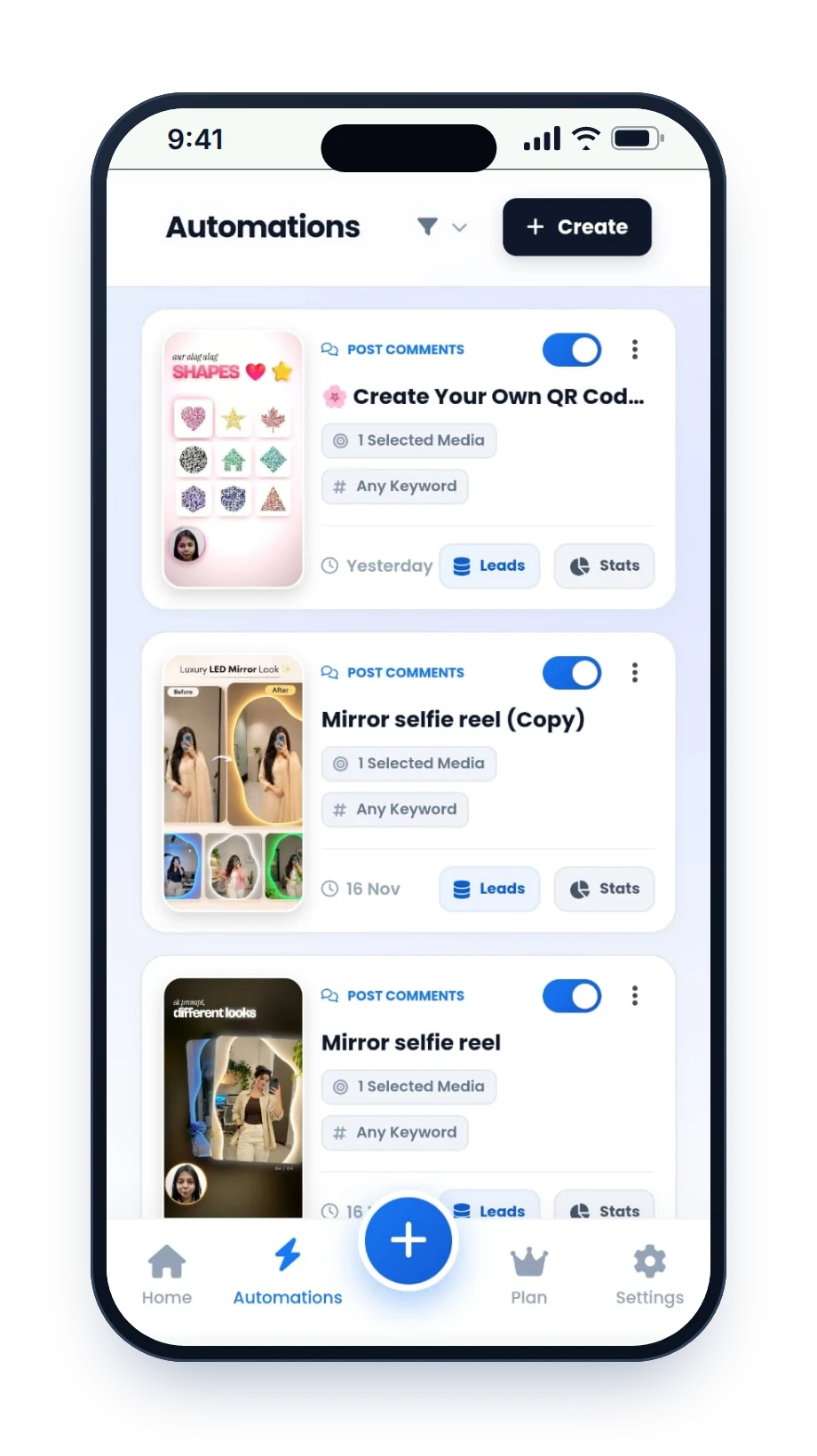
Connect your Instagram account
Sign in through Instagram's own login screen. A professional account (Creator or Business) is enough; you do not need a Facebook Page.
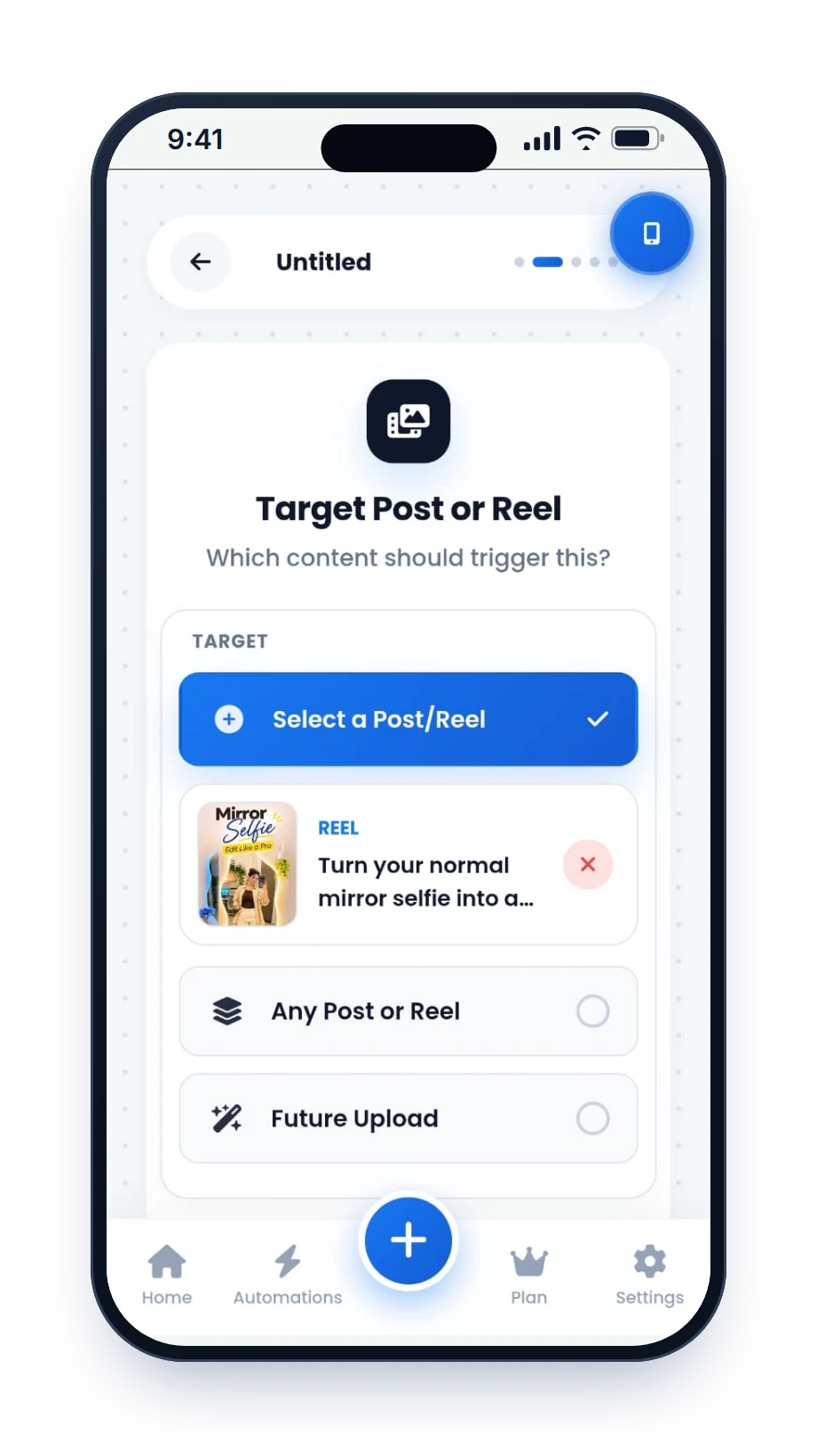
Pick the post or Reel
Choose a post you already published, including older ones, or turn on Next Post Automation so the rule applies to everything you post next.
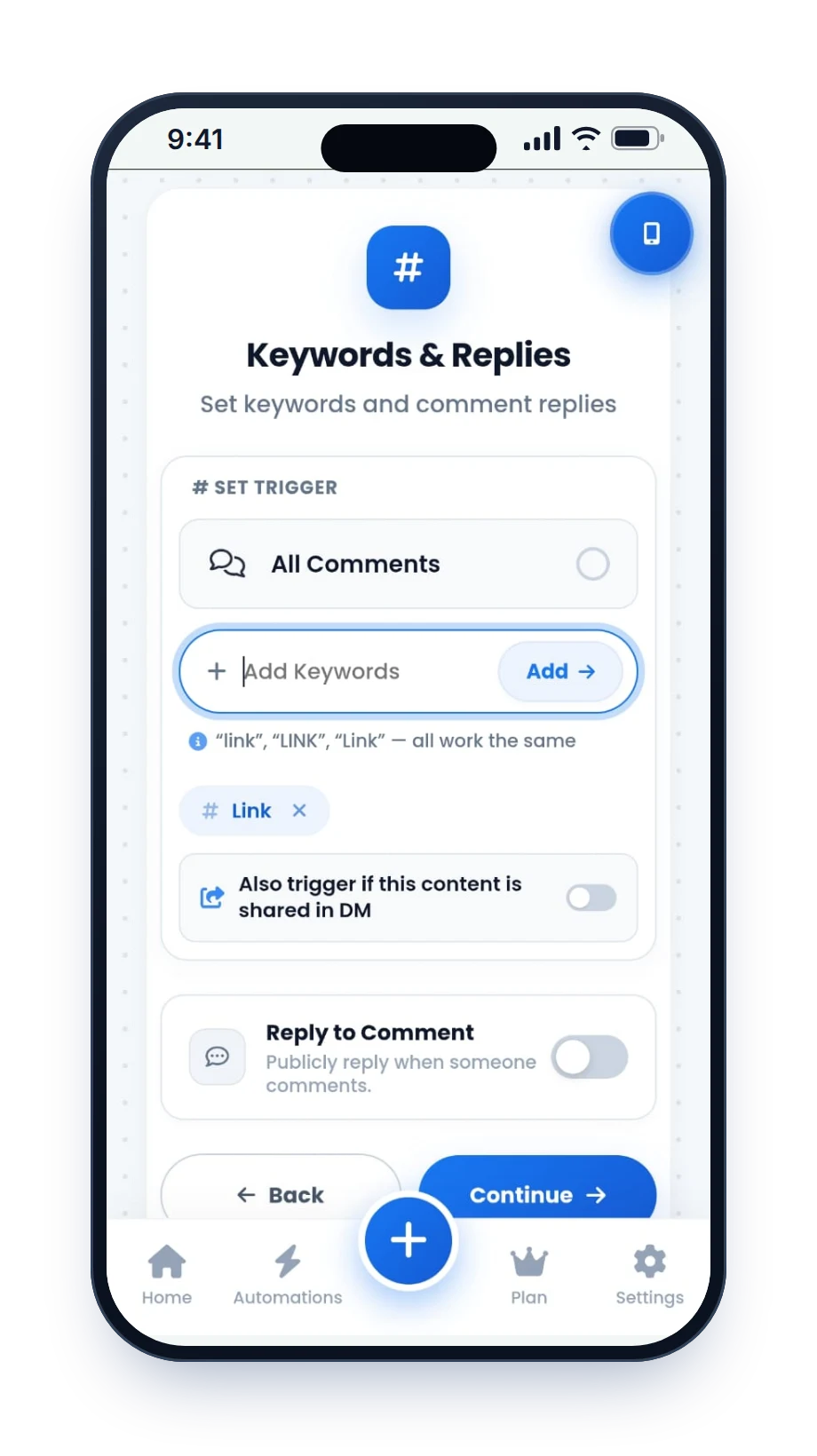
Choose the keywords
Decide which words start the automation, for example LINK, GUIDE or PRICE. Different keywords can send different messages.
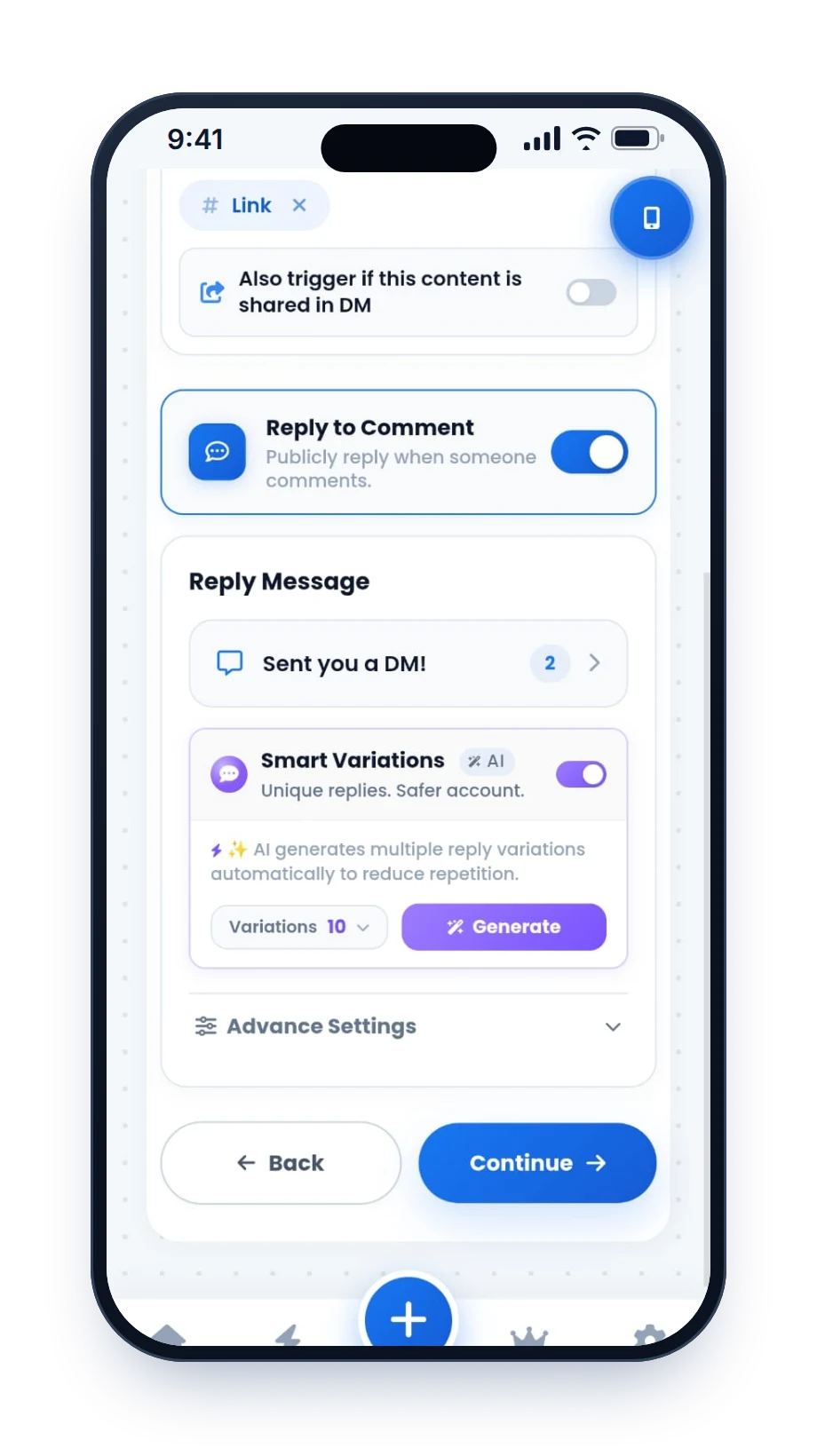
Write the reply and the DM
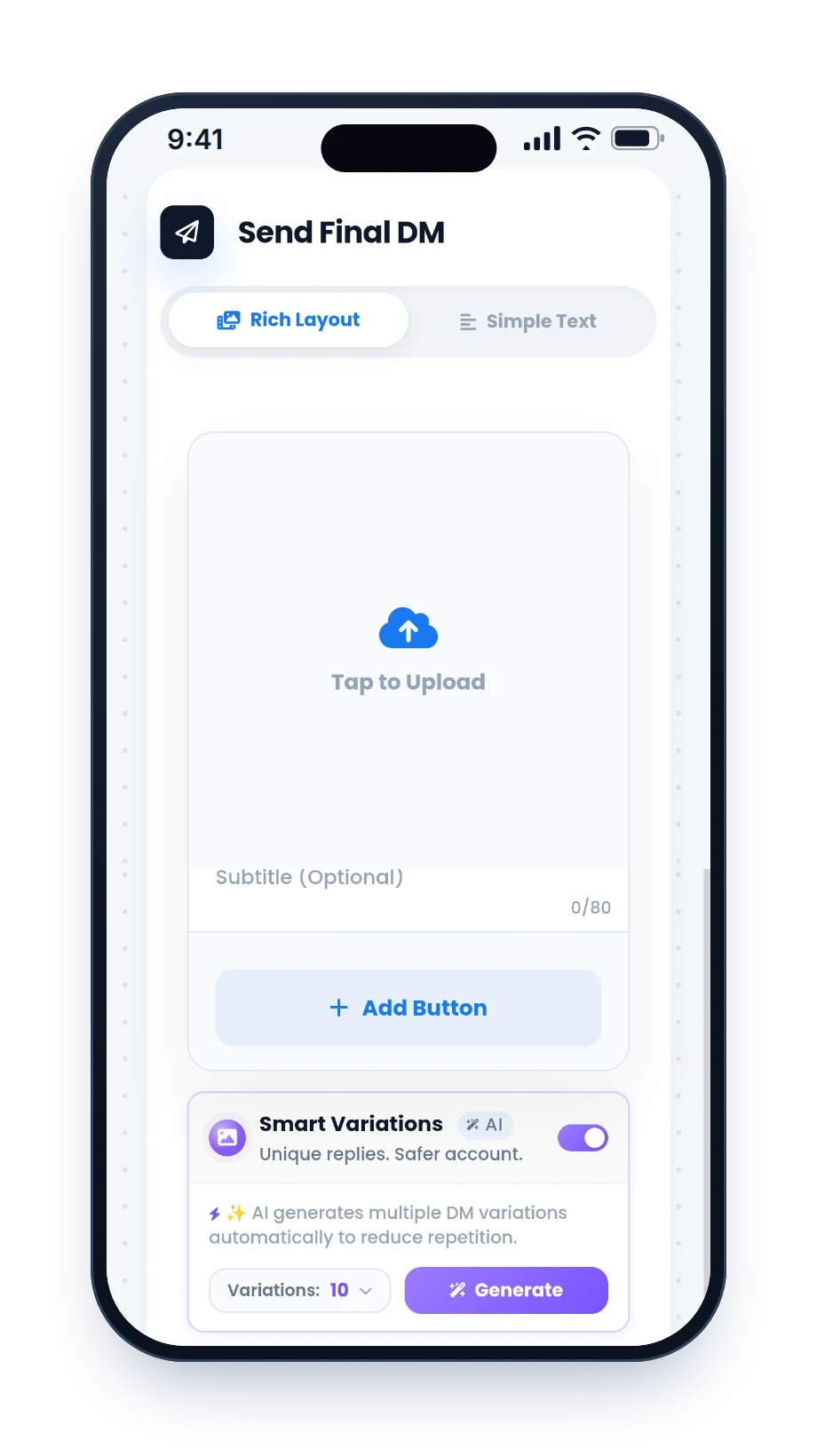
Add a short public reply ("Sent, check your DMs") and the DM itself with your link or button. AI message variations can write several versions so people do not all get identical text.
Publish
HeyDM watches new comments and answers each matching one. Smart Safe Mode spaces the replies out when a post suddenly gets hundreds of comments.
What your follower sees
The whole exchange takes a few seconds. Your follower comments the keyword from your caption, sees a public reply under their comment, and finds the link waiting in their inbox.
Because Instagram allows one private reply per comment, the first DM has to carry the thing they asked for. If they reply to it, the conversation can continue, and HeyDM can ask for their email or phone number or send a follow-up inside Meta's 24-hour window.
Need wording ideas? Our 59 copy-and-paste auto-DM templates cover links, prices, freebies and bookings.
Who uses comment-to-DM, and for what
Creators
Turn "link please" comments into affiliate clicks, freebie downloads and newsletter signups without typing the same reply all day. For creators.
Coaches and consultants
Send a lead magnet or booking link, then ask one qualifying question before you pick up the conversation yourself. For coaches.
Online stores
Answer price and size questions under product Reels with a direct product link, so buyers do not have to search your profile. For online stores.
Real estate and local businesses
Share a brochure, site-visit form or menu link the moment someone shows interest, while you are busy with other customers.
Educators and course sellers
Send a course page, free class or syllabus PDF link to everyone who asks under a teaching Reel.
Events and launches
Collect interest before a launch: send the waitlist link and capture an email in the same chat.
What you control
Every setting lives in one flow, so you can change a keyword or a link in a minute without rebuilding anything.
- Keywords per postOne keyword or several, each with its own reply, so PRICE and LINK can send different messages.
- Public comment replyA short reply under the comment tells others the DM is on its way, which nudges more people to comment.
- The DM itselfText with your link or a button, written by you, with optional AI variations of the wording.
- Ask for a follow firstFollower Gate asks people to follow your account before the link is sent.
- Collect email and phoneAsk for contact details inside the chat and keep them in your HeyDM contacts.
- Follow-up messagesSent only to people who replied or tapped a button, and only inside Meta's 24-hour window.
- Old posts and next postSwitch automation on for posts you already published, or for every post you publish next.
- Smart Safe ModeNatural reply delays, first-DM timing, message pacing and an hourly reply limit for viral moments.
The rules every official tool follows
These limits come from Meta's Instagram API, not from HeyDM, so every tool built on the official API works inside them. Knowing them helps you write a first DM that does its job.
Instagram's private-reply rules
- One private reply per comment. The first DM has to include the link or a button that leads to it.
- Within 7 days. The reply has to go out within 7 days of the comment.
- 24 hours after a reply. When the person writes back, you can keep talking for 24 hours from their last message.
- No cold DMs. The person always acts first: a comment, a Story reply or a message.
- Professional accounts only. Personal accounts cannot be automated through the official API.
- Source: Meta's Instagram private replies documentation. More detail in our guide to Instagram DM limits.
Replying by hand vs HeyDM
| Replying by hand | HeyDM | |
|---|---|---|
| Cost | Your time | 14-day free trial, then paid |
| A Reel gets 500 comments | Hours of copy-paste, often the next day | Each matching comment answered automatically, paced by Smart Safe Mode |
| Keywords | You read every comment | Several keywords per post, each with its own DM |
| Ask to follow first | You check each profile | Follower Gate asks before sending the link |
| Email and phone | Copied into a sheet by hand | Asked in the chat and saved to your contacts |
| Older posts and next post | Every post, every time | Switch on for older posts, or once for every post you publish next |
Meta Business Suite also has a free, basic "Comment to message" automation that sends a fixed DM when a comment contains a keyword. It suits one link on one post; our step-by-step guide shows both options.