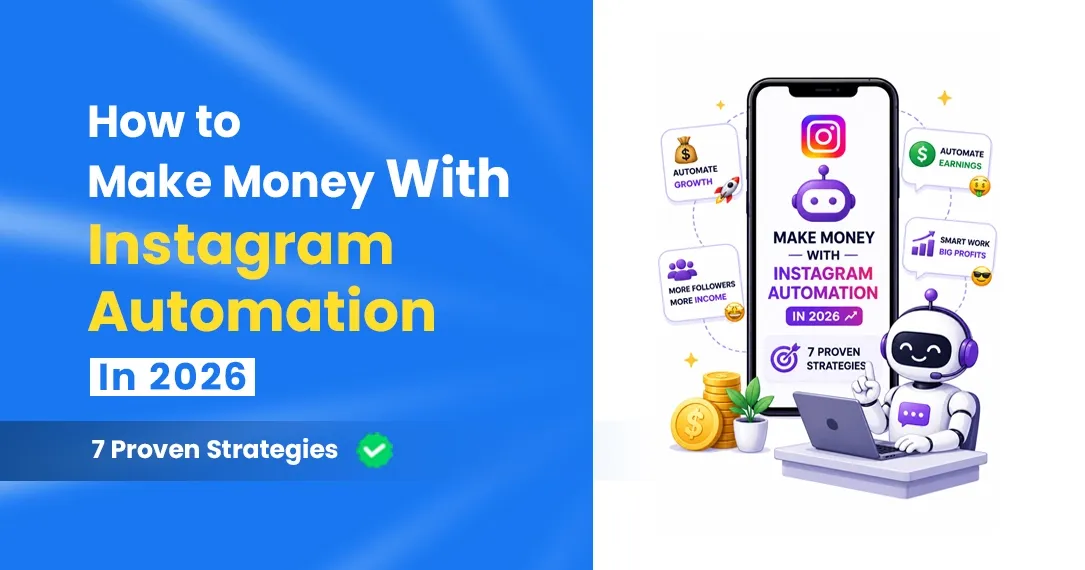
How to Make Money With Instagram Automation in 2026: 7 Ways That Work
7 ways to earn with comment-to-DM and Story automation: list building, product links, bookings, launches, flash offers, affiliates and brand deals.
Instagram automation doesn't make money on its own. What it does is make sure nobody who asked about your product, course or service is left waiting. Someone comments "price?" at 1 a.m., and the details are in their DMs before they've scrolled to the next Reel.
That gap between "I'm interested" and "I got an answer" is where most creators lose sales. Below are seven ways to use comment-to-DM and Story automation to close it, with the setup for each, plus the limits worth knowing before you start.
First, What Automation Can and Can't Do
It's worth being clear about this, because a lot of "make money with automation" content isn't:
- It only works on people who act first. They have to comment, reply to a Story or message you. Official tools can't DM your followers out of the blue.
- One DM per comment. Instagram allows a single automated reply to each comment. Anything after that only goes out if the person replies, and within 24 hours of their last message.
- It can't fix the offer. If people don't want the thing, sending it faster won't help.
- It needs reach. No comments, no DMs. Automation multiplies what your content already does.
Within those limits, it's one of the cheapest ways to stop leaking sales.
1. Build a List With a Free Resource
Best for: anyone who sells later, by email or WhatsApp.
Offer something small and specific, like a checklist, template or recipe pack, and ask people to comment a keyword to get it. The DM delivers it and asks for an email or WhatsApp number. Because Instagram won't let you DM people again after the 24-hour window, that contact is how you reach them when you launch something paid.
Setup: keyword GUIDE → DM with the link and "What's the best email for the full version?" → export the collected emails or numbers as a CSV. Full walkthrough: how to build an email list from Instagram DMs.
2. Send Product Links the Moment People Ask
Best for: online stores, digital products, anything with a checkout page.
Show the product in use, then: "Comment LINK and I'll send you where to get it." The DM goes straight to the product page, not your homepage or a link page with eight buttons. Add a commenter-only discount code if you want a reason to act today.
Setup: keyword LINK or SHOP → DM with the product link, the price and one line about delivery or sizes. Use the same automation on every post about that product. More on this for stores: the comment-to-DM sales guide. Selling PDFs or courses? See how to sell digital products on Instagram without a website.
3. Turn Questions Into Bookings
Best for: coaches, consultants, designers, photographers, salons.
Service businesses answer the same three questions all week: what do you charge, how does it work, how do I book. Put the answers in one DM.
Setup: keyword WORK or BOOK → "Hi! I help [who] with [what]. Packages start at [price]. Here's how it works and my calendar: [link]. Want me to suggest a slot?" The question at the end matters: if they reply, the 24-hour window opens and you can carry on the conversation. More in DM automation for coaches and freelancers.
4. Run Your Launch Week on Autopilot
Best for: course launches, product drops, new batches.
Launches have a short window of attention, and that's exactly when your DMs pile up. Set the automations up before launch day:
- A comment keyword on every launch post (LAUNCH or the course name).
- A DM keyword reply for people who message "price" or "link" directly.
- A Story reply keyword for the countdown Stories.
- Ask-to-follow on the first teaser Reel, so people who want in also follow you and see the rest of the launch.
For a waitlist, the DM can simply confirm "You're on the list" and ask for a WhatsApp number for the opening announcement.
5. Flash Offers Through Stories
Best for: stores and creators with an engaged Story audience.
Your Story viewers already know you. "Reply DEAL for a 20% code, valid till midnight" gets a keyword reply, and the automation sends the code instantly. Keep these occasional; if every Story is a pitch, people stop replying.
Setup: DM keyword reply for DEAL → DM with the code, the expiry time and the product link. More ideas in our Story automation guide.
6. Affiliate Links on Request
Best for: creators who recommend products they don't sell themselves.
"Comment DESK and I'll send the link to everything on my desk" works well for gear, beauty and home content. Two cautions before you set it up:
- Check your affiliate programme's rules. Some don't allow links in private messages or emails, or ask you to disclose them in a specific way.
- Disclose it. In India, ASCI's influencer guidelines ask creators to disclose any material connection with a brand, and a commission on each sale is one. A line like "These are affiliate links, I earn a small commission" in the DM keeps it honest.
7. Reply to Brand Enquiries Instantly
Best for: creators who get collaboration requests in DMs.
Most brand DMs need the same information first: your rates, your media kit and what the campaign is. Set a DM keyword reply for words like "collab", "collaboration", "partnership" and "sponsor" that sends your media kit and asks for the brief, budget and timeline. Serious brands answer the questions, and you spend your time on those.
What the Numbers Can Look Like
An illustration, not a promise: a Reel gets 400 comments of PRICE. Every one of them gets the product link within a minute. If 5% buy a ₹1,499 product, that's 20 sales and about ₹30,000, from one post you'd have answered by hand the next morning, if at all. Your percentages will be different. Track three numbers per post (comments, DMs sent, sales or sign-ups) and compare your own posts against each other.
Mistakes That Cost Money
- Sending people to a link page. Link to the exact product, booking page or checkout.
- Pitching in every DM. Mix free resources with paid offers, or people stop commenting.
- Never re-testing. Products sell out and links break. Comment on your own automated posts from a second account every few weeks.
- Identical DMs to hundreds of people. Vary the wording. HeyDM's AI message variations do this, and Smart Safe Mode paces the replies.
- Waiting for a big following. These setups work with a few thousand followers. What matters is a clear offer and a post people want to comment on.
FAQ
How much can I earn with Instagram automation?
It depends entirely on your offer, price and audience. Automation doesn't create demand; it stops you losing the people who were already interested.
Do I need a lot of followers?
No. A post with 50 comments from the right people can pay for a year of the tool. What you need is content that makes people ask.
Is this allowed by Instagram?
Yes, when the tool uses Meta's official API and only messages people who commented, replied to a Story or messaged you. Bulk DMs to people who never engaged are not allowed.
Can I sell directly inside HeyDM?
Not yet. HeyDM's digital product selling page is coming soon. For now, send people to your checkout, whether that's your store, Razorpay or Instamojo page, Gumroad or a course platform.
Which tool should I use?
Any tool on the official API can do the basics. HeyDM costs $9.99 a month (₹419 in India) with no DM or contact limits. Compare it with others in our DM automation tools comparison, or see ManyChat vs HeyDM.
New to all of this? Start with the beginner's guide, or start a 14-day free HeyDM trial and set up strategy 1 this week.