Link in Bio vs Instagram DMs: Which Actually Gets You More Sales? (2026)
Why 'link in bio' loses people at every tap, where a DM link wins, where the bio link still matters, and how to test both on your own account.
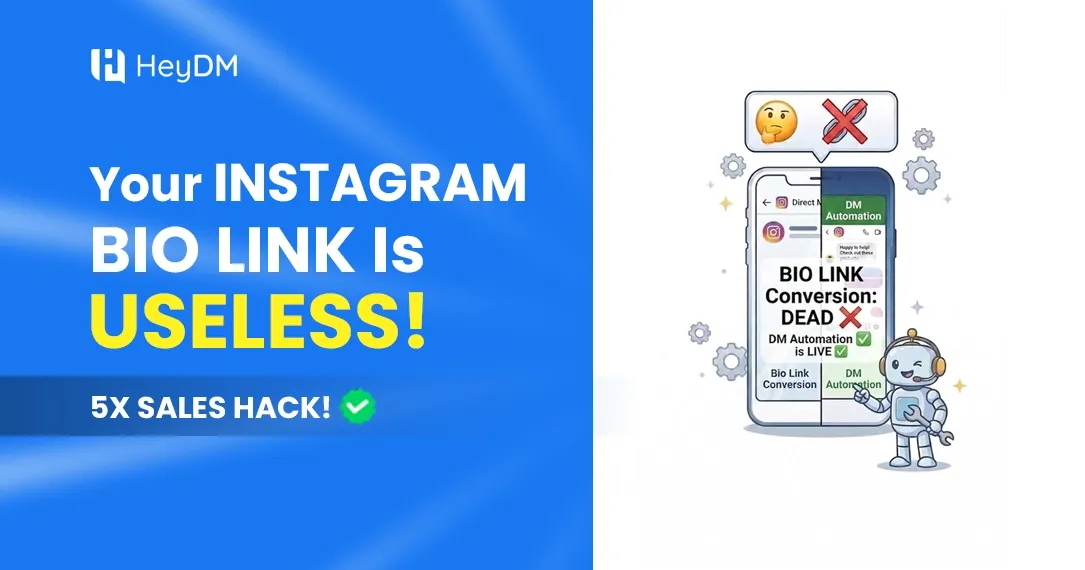
For years, "link in bio" was the only way to send people from an Instagram post to a website. Now you can put the link straight into their DMs the moment they ask for it. That doesn't make the bio link useless, but it does change what it's good for.
This post counts the steps in each path, explains where a DM link wins and where the bio link still earns its place, and shows how to test both on your own account instead of trusting anyone's averages, ours included.
Count the Taps
Here's what "link in bio" asks of someone who just watched your Reel and wants the thing:
- Tap your username.
- Find the link in your bio.
- Wait for the browser to open, often on mobile data.
- Find the right button among the six or eight on your link page.
- Then do whatever you wanted them to do: buy, sign up, book.
Every step is a chance to get distracted. The next Reel is one swipe away, and they never saw your profile because they were watching on Explore.
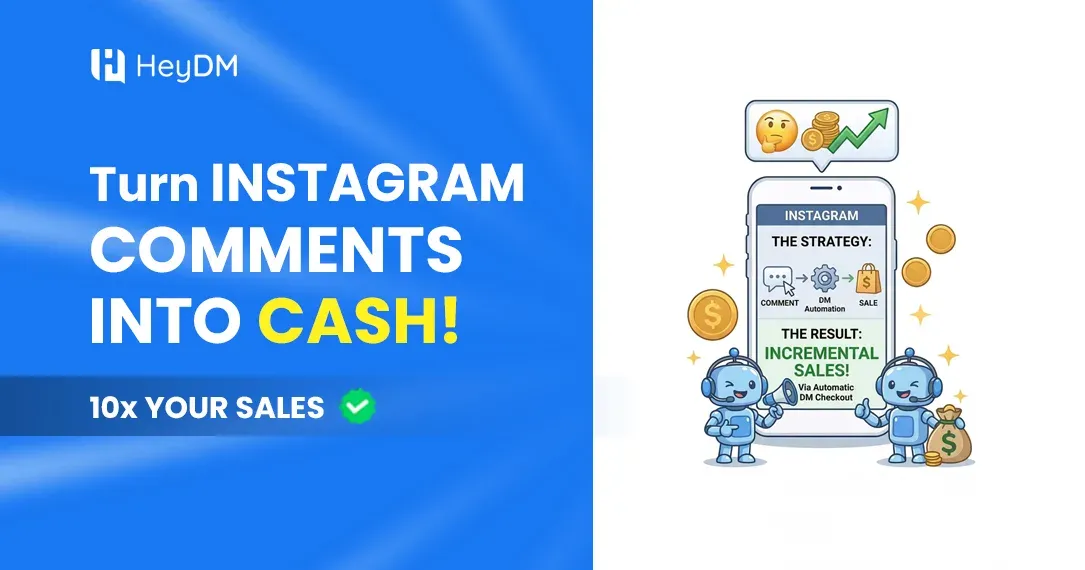
Now the DM version: they comment "PLAN", and a DM with the exact link arrives. One tap and they're on the page they wanted. There's no menu to choose from, and the message stays in their inbox if they want to come back to it tonight.
Why the DM Link Gets Clicked More Often
- Timing. It arrives while they're still interested, seconds after they asked.
- It's the exact thing. Not your homepage, not a link page, but the specific guide, product or booking slot from the post.
- It's personal. A message with their name, in the same inbox they use for friends, reads very differently from a button on a link page.
- It stays. People who can't click right now find it later. A bio link they meant to come back to is forgotten by the next scroll.
- They asked for it. Commenting a keyword is a small commitment, and people who make it tend to follow through.
Where the Bio Link Still Wins
Don't delete it. The bio link does jobs a DM can't:
- People who never comment. Plenty of followers read everything and never comment publicly. They'll tap your bio link, not type a keyword under your post.
- Profile visitors. Someone who lands on your profile from a mention or a search hasn't seen your latest post. Your bio is their front door.
- Browsing a whole shop. If someone wants to look around twenty products, a store page beats a DM.
- A backup. If a DM lands in Message Requests and they never see it, the bio link is still there.
The simple version: the bio link is for browsers, the DM is for people who asked. Use both, and send each type of person the right way.
How to Test Both on Your Own Account
Industry averages won't tell you much about your audience. A one-week test will.
- Pick two similar posts: same format, similar topic, posted at a similar time.
- On the first, say "link in bio". On the second, say "Comment GUIDE and I'll DM it to you."
- Use a different tracked link for each, either UTM-tagged links in your analytics or two separate short links, so you can count clicks from each path.
- Check Instagram Insights for profile visits and external link taps on the bio side, and your automation tool for DMs sent on the DM side.
- After 7 days, compare clicks and sales, not likes. If one path brings in more paying customers for your account, do more of that.
Setting Up the DM Side
You need a Creator or Business account and a tool on Meta's official API. The short version:
- Pick one keyword that matches the offer (PLAN, GLOW, MENU).
- Write a first DM that includes the link, because Instagram allows only one DM per comment until the person replies.
- End it with a question so people who want more can reply. Once they do, you have 24 hours from their last message to follow up.
- Test from a second account before you post.
Full walkthrough: how to send a DM automatically when someone comments.
What It Looks Like in Practice
A fitness creator ends a "5 gym mistakes" Reel with "Comment PLAN for my free 7-day plan." Each commenter gets the plan link in their DMs, with a question at the end asking what their goal is. The replies tell the creator what the next paid programme should be.
A skincare brand posts a carousel about a new serum: "Comment GLOW for 20% off." The DM carries a discount code and the product link. People who reply with questions about skin type get a follow-up a few hours later.
A café posts a behind-the-scenes Reel: "Comment MENU for this week's specials." The DM has the menu and asks for a WhatsApp number for weekly offers, because Instagram won't let the café DM them again next week unless they write first.
A business coach shares a framework post: "Comment SCALE for the template." The DM delivers it and asks "What's your biggest bottleneck right now?" Those answers turn into sales calls.
Mistakes to Avoid
- A first DM that's a sales pitch. Deliver what you promised, then add one natural next step.
- A bare link with no text. It looks like spam and is more likely to be filtered.
- Several links in one DM. Send one link. If they want more, they'll reply.
- A keyword that tells people nothing. "LINK" works, but "RECIPE" or "SIZECHART" tells people what they'll get and attracts the right ones.
- No test run. A broken link in an automated DM fails silently, a few hundred times.
FAQ
Is "link in bio" dead?
No. It's the right place for people browsing your profile and for followers who never comment. It's just a weak call to action at the end of a post, where a DM does the job better.
Is sending links in DMs allowed?
Yes, when the person asked for it by commenting, replying to a Story or messaging you, and the tool uses Meta's official API. Mass DMs to people who never engaged aren't allowed.
Will asking for comments help my reach?
Posts that ask for a comment usually get more comments, which is engagement Instagram can see. How much that changes reach depends on the post, so judge it by your own Insights rather than promises.
Does this work with a small following?
Yes. With a small audience, a personal DM to each person who asked is often the difference between a sale and a forgotten bio link.
What does DM automation cost?
HeyDM is $9.99 a month (₹419 in India). LinkDM and CreatorFlow have free plans with monthly DM limits, and ManyChat starts at $17 a month for 250 contacts. See our tools comparison for the full list.
Want to run the test yourself? Start a 14-day free HeyDM trial and set up the DM side before your next post.