Is Your Instagram DM Tool Meta Approved? How to Check (2026)
What Meta approval, Tech Provider and Business Partner badges really mean, six checks that work on any DM tool, red flags, and whether HeyDM is safe.
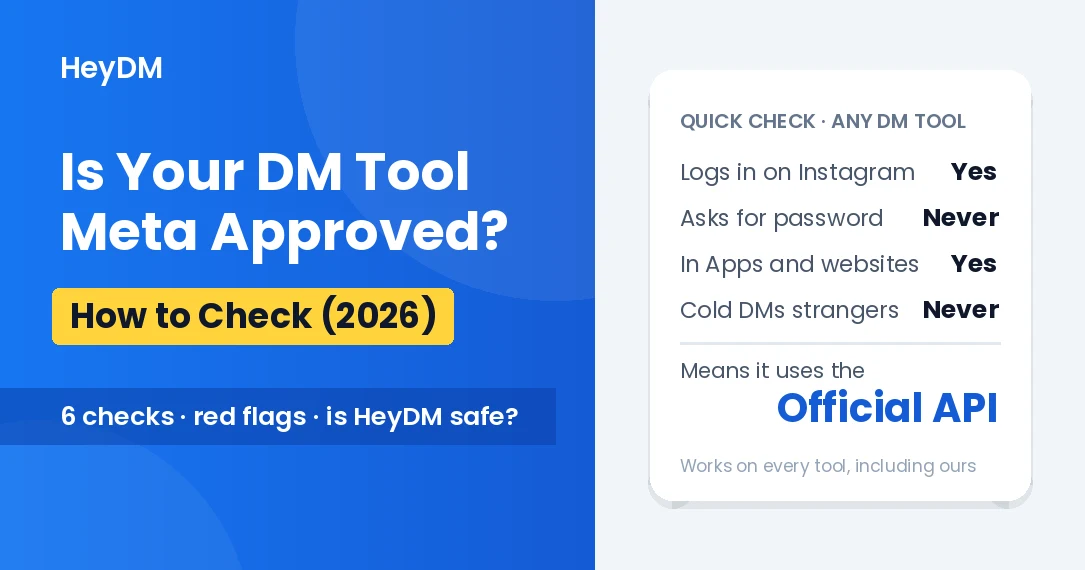
Quick answer: Meta doesn't publish a list of approved Instagram DM tools, and there's no official "Meta approved" seal. What Meta does is review the apps. To send DMs and reply to comments on accounts other than its own, a tool has to pass Meta's App Review for those permissions, and the business behind it has to be verified. Without that, the app only works for people who have a role on it, such as its own developers and testers. So the useful question isn't "is it approved?" but "does it connect through Meta's official API?", and you can check that yourself in about two minutes.
This guide explains what the badges on tool websites actually mean, the six checks that work on any tool, the red flags, and what can still get an account in trouble even with an official tool.
What "Meta Approved" Can Mean
Tool websites use several different phrases. They are not the same thing.
- App Review and Advanced Access. Meta checks how an app uses each permission, such as managing messages or comments, before the app can use it on other people's accounts. Meta's own documentation lists App Review as required when "I am a Tech Provider and my app serves multiple businesses." This is the approval that matters for DM automation.
- Business Verification. The company behind the app proves to Meta who it is, with documents. Advanced Access needs it.
- Tech Provider. Meta's term for a business whose app works with other businesses' accounts and data. Meta added a separate access verification step for Tech Providers in 2022. When a tool says "Meta Tech Provider" or "Verified Tech Provider", this is what it means.
- Meta Business Partner. A separate partner program for agencies and technology companies, with its own badge and a directory on Meta's site. Being in it says something about the company's relationship with Meta. It doesn't make one tool's DMs safer than another's.
- Meta Verified. The paid subscription that gives your own account a verified badge and access to account support. It has nothing to do with whether a tool is approved.
In practice, any tool that sends automated DMs for thousands of Instagram accounts through the official API has been through App Review and Business Verification, whatever badge it shows. The checks below tell you whether a tool is using that API at all.
How to Check Any DM Tool in Two Minutes
- Watch where you log in. When you click "Connect Instagram", you should land on Instagram's own login and permission screen (or Facebook's, for tools that use Facebook Login). You type your password into Instagram, never into a box on the tool's website.
- Read the permission screen. It names the app and lists what it wants, such as access to your messages and comments. If the app name there doesn't match the tool, stop and ask why.
- Find it in your Instagram settings. After connecting, open Instagram, go to Settings and activity, then Website permissions, then Apps and websites. An official integration is listed under Active, and you can remove it there at any time.
- It needs a professional account. The official messaging API only works with Business and Creator accounts. A tool that automates DMs on a personal account isn't using it.
- It only messages people who reached out first. Official tools can reply to a comment, a Story reply, a mention or a DM. They can't send DMs to a list of usernames, to a competitor's followers or to people who never interacted with you.
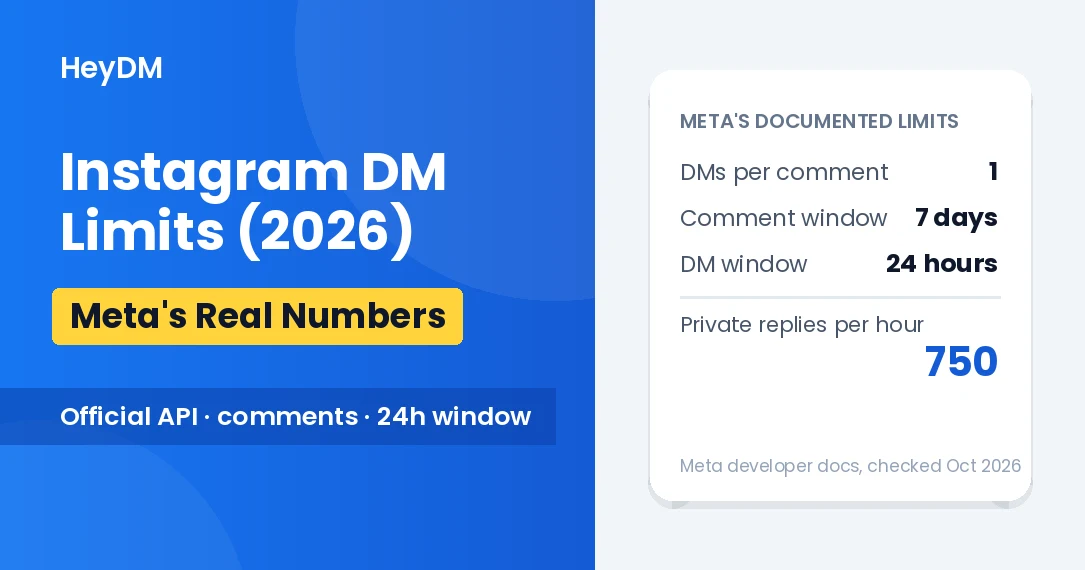
- Its limits match Meta's. Meta allows one private reply per comment, within 7 days of the comment, and further messages only within 24 hours of the person's last message. A tool that promises more than this isn't using the official API, or is about to break its rules.
Red Flags
- It asks for your Instagram password or a two-factor code on its own website or in a chat.
- It's a browser extension or desktop app that "drives" your account for you.
- It promises followers, likes, auto-comments on other accounts or follow/unfollow automation.
- It offers "mass DM" or "cold DM" campaigns to people who have never messaged you.
- It wants you to share your login with a virtual assistant or an agency account instead of connecting through Instagram.
- It doesn't say how it connects to Instagram anywhere on its site.
Instagram's Terms of Use say you can't "access or collect information in unauthorized ways", including "collecting information in an automated way without our express permission." Password-based bots and extensions don't have that permission. Official API apps do, within the limits above.
Approved Doesn't Mean Risk-Free
An official tool removes the biggest risk, which is handing your login to someone else's bot. It doesn't put your account above Instagram's rules. Things that can still cause trouble:
- DMs that don't match the promise. If your Reel says "Comment GUIDE for the free PDF" and the DM is a sales pitch, people report it as spam. Reports count against you, whatever tool sent the message.
- Identical messages at high speed. A thousand copies of the same text in a few minutes looks like spam to any system. Delays, pacing and varied wording help.
- The links you send. A link to a site Meta has flagged can get messages blocked.
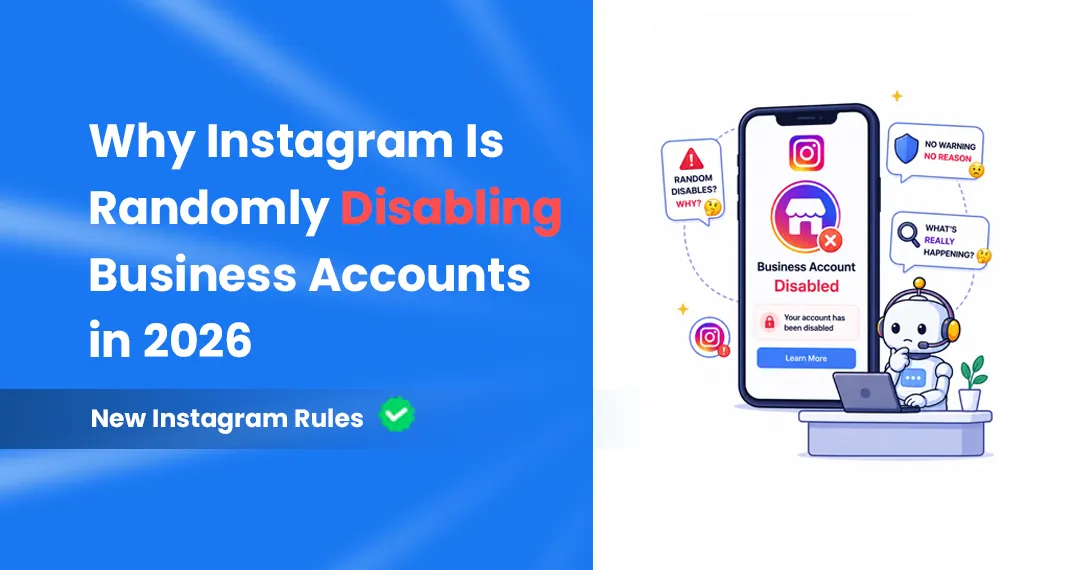
- Your content. Most account bans are about Community Guidelines on posts, not about DMs. We cover the 2025 and 2026 ban waves in why Instagram is banning accounts in 2026.
For the numbers behind safe automation, see Instagram DM limits in 2026, and for how different kinds of tools compare, does DM automation cause bans?
Is HeyDM Safe?
We make HeyDM, so read this section with that in mind. Every check above works on our tool too, and we'd rather you run them than take our word for it.
- Connection: HeyDM connects through Instagram Login. You sign in on Instagram's own screen, HeyDM never sees your password, and you don't need a Facebook Page. An Instagram Business or Creator account is enough.
- Meta status: HeyDM is a Meta Tech Provider. Our business is verified with Meta and the app uses the Instagram messaging and comment permissions through Meta's official API, which is why it works on accounts other than our own.
- Who gets a message: only people who commented, replied to your Story, shared your post to you or sent you a DM. One DM per comment. Follow-up messages go only to people who replied or tapped a button, inside Meta's 24-hour window.
- Pacing you control: Smart Safe Mode adds natural reply delays, lets you hold the first DM for up to 60 minutes, paces messages and pauses at the hourly reply limit you set. A reply cap per post stops one viral Reel from flooding your inbox.
- Varied wording: AI message variations write several versions of each DM and comment reply, so followers don't all get identical text.
- Leaving: remove HeyDM from Apps and websites in your Instagram settings and it loses access straight away.
No tool can promise an account will never be restricted, and you should be wary of any that does. What keeps the risk low is the official API, messaging only people who asked, and pacing.
FAQs
Is HeyDM approved by Meta?
HeyDM is a Meta Tech Provider and uses Meta's official Instagram API through Instagram Login, so it has been through Meta's App Review and Business Verification for the permissions it uses. It never asks for your password.
Is there an official list of Meta-approved Instagram automation tools?
No. Meta has a public directory for its Business Partner program, but it doesn't publish a list of every app that has passed App Review. The practical test is whether a tool connects through Instagram's own login and shows up under Apps and websites in your settings.
What does "Meta Verified Tech Provider" mean on a tool's website?
It means the company says it has completed Meta's business verification and access verification for apps that work with other businesses' accounts. Several tools use the phrase, including Zorcha, SuperProfile and LinkPlease (as their websites stated in October 2026). It isn't the same as Meta Verified, the paid badge for your own account.
Can a Meta-approved tool still get my account banned?
The connection itself won't, but what you send can. Spam reports, misleading DMs, flagged links and Community Guidelines violations in your content count against your account whichever tool you use.
Does an Instagram DM tool need my Facebook Page?
Only if it uses Facebook Login. Tools built on Instagram Login, like HeyDM, need just an Instagram professional account. Older tools built on Facebook Login ask you to link a Facebook Page.
What happens to my data when I remove a tool?
Removing it from Apps and websites stops any new access straight away. It doesn't delete what the tool already stored, such as leads it collected, so ask the tool to delete your data if you want it gone.
More on account safety: