Instagram Account Ban 2026: Why It's Happening and How to Keep Your Account Safe
What's confirmed about the 2025–2026 Instagram ban waves, why accounts really get disabled, whether DM tools are a risk, and what to do if banned.
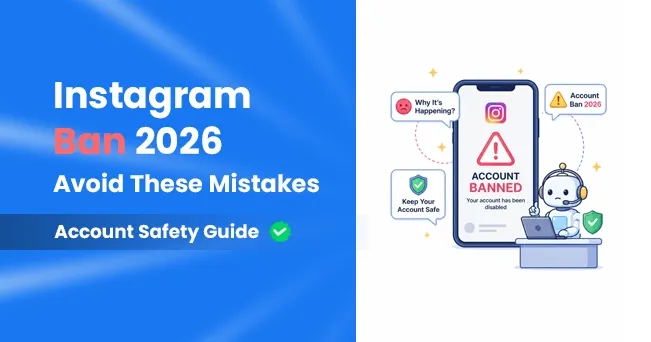
Quick answer: since mid-2025, large numbers of Instagram and Facebook users have reported accounts disabled without warning, often with a notice citing serious violations they say they never committed. Meta admitted a "technical error" behind a wave of Facebook Group suspensions in June 2025, but has not admitted a wider problem on Instagram. Reports kept coming through 2026. Most of these bans are about Community Guidelines decisions, many of them automated, rather than about DM tools. Automation is a separate risk you can control: tools that use Meta's official API are allowed, while bots that log in with your password break Instagram's terms.
Below is what's confirmed, what's still unclear, the causes you can actually do something about, and what to do if your account is already gone.
What We Know About the 2025–2026 Ban Waves
- June 2025: admins of thousands of Facebook Groups reported mass suspensions. A Meta spokesperson told TechCrunch the company was aware of "a technical error" affecting some Groups and was fixing it.
- Summer 2025: Instagram users reported the same thing on Reddit and X. The BBC heard from more than 500 affected people; Meta acknowledged the Groups problem but denied a wider issue on Facebook or Instagram. Some accounts were restored only after journalists asked Meta about them.
- 2025 into 2026: a Change.org petition asking Meta to fix its AI moderation and restore wrongly disabled accounts passed 25,000 signatures in 2025 and 61,000 by March 2026.
- February–March 2026: NBC 5 in Dallas–Fort Worth reported users whose accounts were disabled over serious allegations they deny, some later reinstated. In late March a new spike was reported, starting in the Philippines and spreading to the US, Australia, New Zealand and Indonesia. Meta did not comment on it.
- 4 June 2026: Meta's Oversight Board issued its first decision on a permanently disabled account. It upheld that ban, which involved severe threats of violence, but raised concerns about due process: people whose accounts are disabled often don't get a clear explanation or a clear way to appeal. The case drew more than 750 public comments.
What's still unclear: Meta hasn't said how many accounts were wrongly disabled, or how much of the problem comes from automated detection. Treat any exact "ban rate" you see online with suspicion; Meta hasn't published one.
Why Accounts Are Getting Banned
A disabled-account notice usually points to one of Meta's policies. These are the causes that come up again and again, starting with the ones you have some control over.
1. Community Guidelines decisions on your posts
Most permanent bans cite a Community Guidelines policy, such as child safety, violence, nudity or hate speech. Meta uses automated systems to find this content at scale, and many of the 2025–2026 reports describe innocent posts, like family photos or fitness content, caught by those systems. You can't fully prevent a false positive, but you can see what Instagram has already flagged: open Settings and activity, then Account Status, which lists removed content and whether your account is at risk.
2. "Account integrity" problems
Many notices mention account integrity. That part of Meta's rules covers fake or duplicate accounts, pretending to be someone else, and accounts created to get around an earlier ban. Running several accounts is allowed, but making a new account after one was disabled, or using one account to dodge another's restriction, is not.
3. Unauthorized automation and shared logins
Instagram's Terms of Use say you can't "access or collect information in unauthorized ways", including "collecting information in an automated way without our express permission." That's what password-based bots, browser extensions, follow/unfollow tools, auto-likers and "who unfollowed me" apps do. Giving any of them your login also exposes the account to whoever runs the tool.
4. Spam-like behaviour
Sending the same message to many people, mass following, copy-paste comments on other accounts and DMs to people who never contacted you all look like spam, whether a person or a script does them. Instagram doesn't publish exact thresholds, so ignore anyone who quotes a precise safe number of follows or DMs per hour for manual activity.
5. Hacked accounts
A compromised account that suddenly posts scams or sends phishing DMs can be disabled to protect other users. Two-factor authentication is the best protection here.
6. Repeated copyright reports
Accounts that keep posting content they don't have the rights to can be disabled. Business accounts are more exposed, because many popular songs aren't licensed for business use.
7. Linked accounts
Many reports describe the Facebook, Instagram and Threads accounts in the same Accounts Center being disabled together. If one profile you manage is high-risk, think about whether it needs to sit in the same Accounts Center as your main business account.
Does DM Automation Cause Bans?
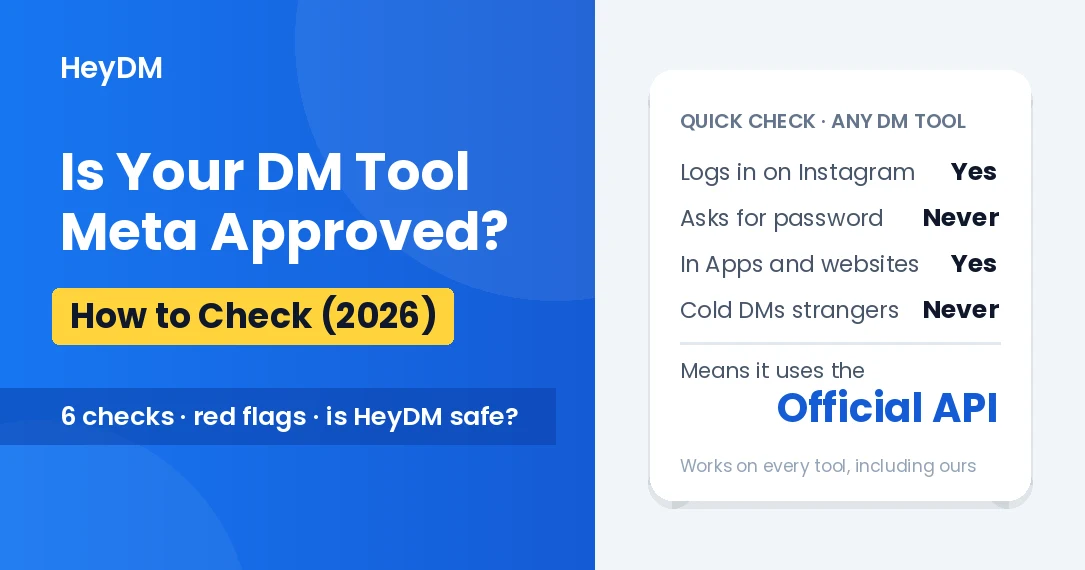
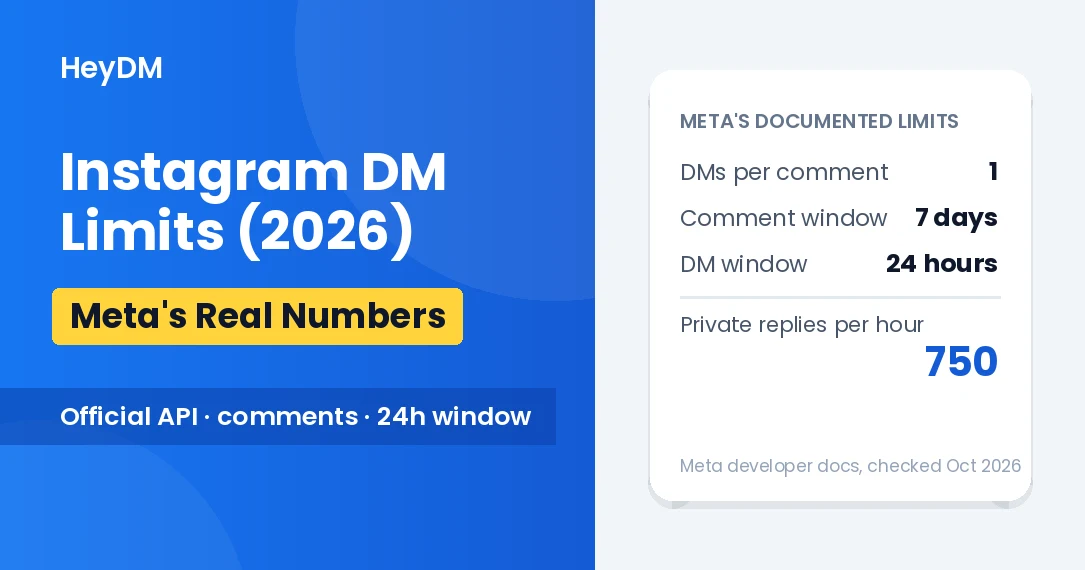
Not when it runs through Meta's official API and you use it the way Meta intends. The API itself enforces the main rules: an official tool can reply to people who commented, replied to a Story or messaged you, sends one private reply per comment within 7 days, and can only keep talking inside the 24-hour window after the person's last message. It can't cold-DM a list of usernames. You connect it through Instagram's own login and can remove it any time under Apps and websites in your settings.
What still matters is what you send. A DM that doesn't match what your Reel promised gets reported as spam, and reports count against you whichever tool sent the message. Pacing and varied wording make automated replies look less like a burst of identical messages.
For the full picture, read does DM automation cause bans?, Instagram's DM limits in 2026, and how to check whether a DM tool is Meta approved.
How to Lower Your Risk
- Turn on two-factor authentication and keep your email and phone number current, so you can recover the account and get Meta's emails.
- Check Account Status every few weeks and deal with anything flagged before it piles up.
- Remove apps you don't recognise from Settings and activity, Website permissions, Apps and websites. Never give a tool your password.
- Automate only replies to people who reached out first, through a tool that uses the official API, with delays and an hourly limit switched on.
- Use licensed audio on business accounts: Meta's Sound Collection or the music Instagram offers your account type.
- Back up your account. In Accounts Center, under Your information and permissions, use Download your information. Many people who lost accounts in 2025–2026 lost years of photos and contacts with them.
- Keep your customers reachable outside Instagram. Collect emails or WhatsApp numbers from people who ask for them, so a ban doesn't cut you off from your buyers. Here's how to build an email list from Instagram DMs.
If Your Account Is Already Disabled
- Appeal from the disabled-account screen, within the time it shows. Explain plainly what the account is for, and keep any business documents ready in case you're asked for ID.
- Disconnect third-party tools you don't trust, and don't create a new account to replace the old one while the appeal is open. That can count as evading the ban.
- Send one appeal, not ten. Duplicate requests don't speed anything up.
- If you pay for Meta Verified, use its support channel. Some users report that support confirmed the decision without explaining it, so treat it as a route to a person, not a guarantee.
For step-by-step recovery and the most common reasons business accounts get disabled, read why Instagram is disabling business accounts in 2026.
FAQs
Is Instagram banning accounts in 2026?
Yes. Users have reported waves of disabled accounts since mid-2025, with a new spike in March 2026. Meta acknowledged a technical error behind Facebook Group suspensions in June 2025 but hasn't confirmed a wider Instagram problem or said how many accounts were affected.
Can Instagram ban you for DMs?
Yes, if the DMs look like spam: the same message to many people, messages to people who never contacted you, or DMs that get reported. Replying to people who commented or messaged you first, through the official API, is allowed.
Will using a DM automation tool get my account banned?
A tool that uses Meta's official API and only replies to people who reached out first is within Instagram's rules. Tools that log in with your password, or automate follows, likes and cold DMs, break Instagram's terms and put the account at risk.
How do I know if my Instagram account is at risk?
Open Settings and activity, then Account Status. It shows removed content, features you can't use and whether your account is at risk of being disabled.
What is "account integrity" on Instagram?
It's the part of Meta's rules about who is behind an account: fake or duplicate accounts, impersonation, and accounts made to get around an earlier ban. Disabled-account notices often mention it.
Facts in this article were checked on 17 October 2026 against reporting by TechCrunch, the BBC, NBC 5 and PiunikaWeb, and the Oversight Board's June 2026 decision. Meta's policies and enforcement change often.