Instagram Message Request: What It Is, Where to Find It and What to Do
Where Instagram message requests hide, how to accept or delete one without the sender knowing, why yours lands in Requests, and how to get it accepted.
 Aanchal
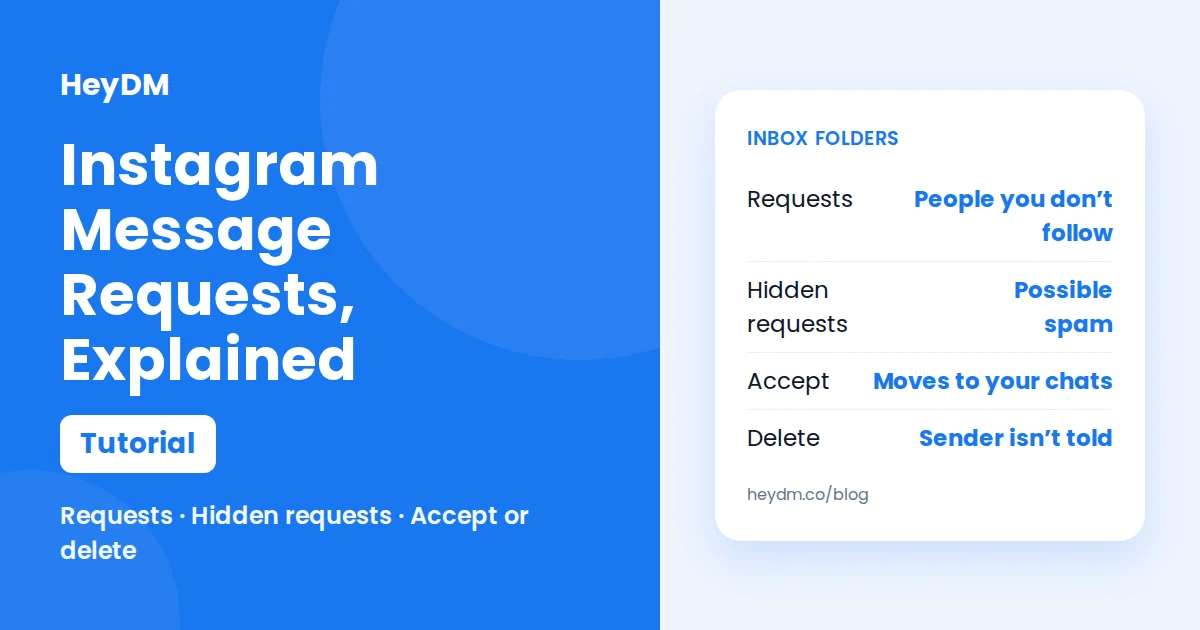
Short answer: A message request is a DM from someone you don't follow. Instagram keeps it in a separate Requests folder instead of your main chats, and the sender can't see whether you've read it until you tap Accept. Open your DM inbox, tap Requests at the top, and choose Accept, Delete or Block for each one.
That's the whole idea. The trouble is the details: hidden requests you never see, requests that never notify you, and, if you sell on Instagram, customers who think you ignored them while their "price?" sat in a folder you never open.
This guide covers both sides: requests you receive and requests you send.
Where Are Message Requests on Instagram?
Tap the messenger icon (top right of your feed). At the top of the chat list you'll see Requests, sometimes with a number next to it. Tap it and you're in.
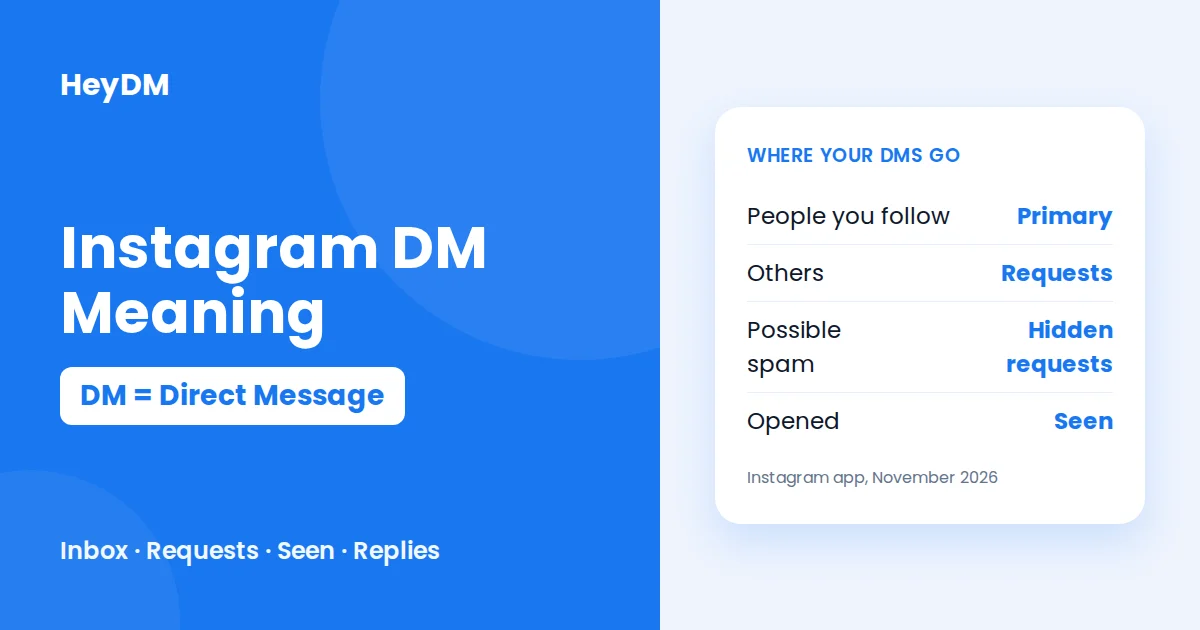
On a Creator or Business account the inbox has extra tabs, Primary and General, and Requests sits beside them. On a personal account you just get your chats plus Requests. If you're not sure which tab does what, our guide to what a DM means on Instagram has a table of every folder.
On a computer, open instagram.com, go to Messages, and look for Requests above the chat list. Same folder, same messages.
Why Did Someone's Message Go to Requests?
Because you don't follow them. That's the main rule. A message from someone you follow goes straight to your chats. A message from someone you don't follow waits in Requests until you decide.
A few cases surprise people:
- They follow you, but you don't follow them back. Still a request. Your follower count doesn't matter here, only who you follow.
- You chatted with them years ago. If you deleted that chat or unfollowed them, a new message can land in Requests again.
- Group chats. If someone you don't follow adds you to a group, the group shows up as a request too.
- Replies to your Story. A Story reply from a non-follower can arrive as a request, depending on your message settings.
Send your links by DM, automatically
HeyDM replies to every comment with your link, on Meta’s official API.
14-day free trial, then $9.99/month or $99/year. Cancel anytime.
What Are Hidden Requests?
At the bottom of the Requests list there's a line called Hidden requests. Instagram's filters put messages here when they look like spam or contain words it treats as offensive (this is the Hidden Words feature in Settings and privacy → Hidden Words).
Most of what lands there really is junk: crypto pitches, "collab" offers from accounts with no posts. But the filter also catches real people, especially when their first message is just a link or a single word. So check Hidden requests once a week. It takes ten seconds.
How Do You Accept, Delete or Block a Message Request?
Open the request. At the bottom of the chat you get the choices:
| Option | What happens | Does the sender find out? |
| Accept | The chat moves to your main inbox. You can reply, and they can send photos, voice notes and more messages. | Yes. They can now see "Seen" when you read their messages. |
| Delete | The request disappears from your Requests folder. | No notification. They can try messaging again later. |
| Block | They can't message you or see your profile. | No notification, but they may work it out. |
| Report | Instagram reviews the message for spam or abuse. | No. Reports are anonymous. |
To clear a pile of spam at once, open Requests and use the Select or Edit option (the label differs by phone) to tick several requests and delete them together. Some app versions also show a "Delete all" button at the bottom of the list.
And you don't have to decide immediately. You can read a request, leave it, and come back later. Reading it without accepting doesn't tell the sender anything.
Does the Sender Know You Read Their Request?
No, not until you accept. Instagram's own wording is that people won't know you've seen their request until you allow them to message you. So you can open a request, check the profile, and quietly delete it.
Once you accept, normal rules apply and "Seen" shows up under their messages when you read them (unless you've turned off read receipts for that chat or your account).
Why Can't I See My Message Requests?
If someone swears they messaged you and Requests is empty, go through this list:
- Check Hidden requests at the bottom of the Requests list. This is the answer most of the time.
- On a Business or Creator account, check the General tab. If you accepted the chat earlier, it might be sitting in General, not Primary.
- Check your message controls. In Settings and privacy → Messages and story replies → Message controls, you may have set some groups to "Don't receive requests". Then their message never reached you at all.
- They may have unsent it. If the sender deletes the message, it disappears from your Requests too.
- Your app might be out of date. Update Instagram and reopen the inbox. If the whole inbox misbehaves, our Instagram DM not working guide goes through the fixes in order.
Can You Turn Off Message Requests?
Yes. Go to Settings and privacy → Messages and story replies → Message controls. Instagram splits people into groups (for example, your followers on Instagram, people who have your phone number, and everyone else), and for each group you choose whether their messages go to Requests or aren't delivered at all.
Our honest opinion: if you have a personal account and spam is driving you mad, turning off requests from "Others" is fine. If you sell anything on Instagram, don't. Every new customer is, by definition, someone you don't follow. Turning off requests means turning off new enquiries.
Why Is My Message Showing as a Request on Their Side?
Now the other side. When you message someone who doesn't follow you, your message lands in their Requests folder. A few things follow from that:
- You won't see "Seen" until they accept, even if they've read it.
- You may be limited to one text message. Instagram restricts what non-followers can send before a request is accepted. A second message, a photo or a voice note may not go through. That's often why people see "message not sent" when messaging a stranger, which we cover in Instagram "message not sent".
- They might never see it. Requests don't always trigger a notification, and if your message looks spammy it may go to their Hidden requests.
How Do You Get Your Message Request Accepted?
Since you may only get one message, make it count. What works:
- Say who you are and why you're writing in the first line. "Hi, I'm Riya from a Jaipur block-print brand. Loved your Reel on sustainable fabrics. Would you be open to a paid collab next month?" beats "Hi" or "Hey dear".
- No link in the first message. Links from strangers are exactly what the spam filter looks for. Send the link after they reply.
- Have a real profile. People check who you are before accepting. A profile with posts, a clear bio and a profile photo gets accepted more often than an empty one.
- Don't send the same text to fifty people in an hour. That's the fastest way to get your account limited. See Instagram DM limits for what's known about this.
What Most Guides Get Wrong About Message Requests
Most guides treat Requests as a spam folder you clean out now and then. For a creator or a small business in India, it's the opposite. It's where your new customers are.
Picture a Surat saree seller running a Diwali offer. She posts a Reel, it travels, and three days later she has dozens of "price?" and "available in red?" messages, almost all from people she doesn't follow. Every one of them is a request. If she only opens Primary, she answers her regular customers and misses every new one. The new ones assume she's not interested and buy elsewhere.
So the rule we give everyone who sells on Instagram: open Requests at least twice a day during a sale or launch, and Hidden requests once a week.
Do Automatic DMs From Businesses Land in Requests?
They can. When you comment a keyword on a business's Reel and get a DM back, that DM goes to your inbox, but if you don't follow that business or haven't chatted before, it may show up in your Requests folder instead of your main chats.
If you run comment-to-DM yourself, plan for this. In HeyDM, the public reply that goes under the comment is a good place to say it out loud, for example "Sent you the link in DMs! Check Requests if you don't see it."
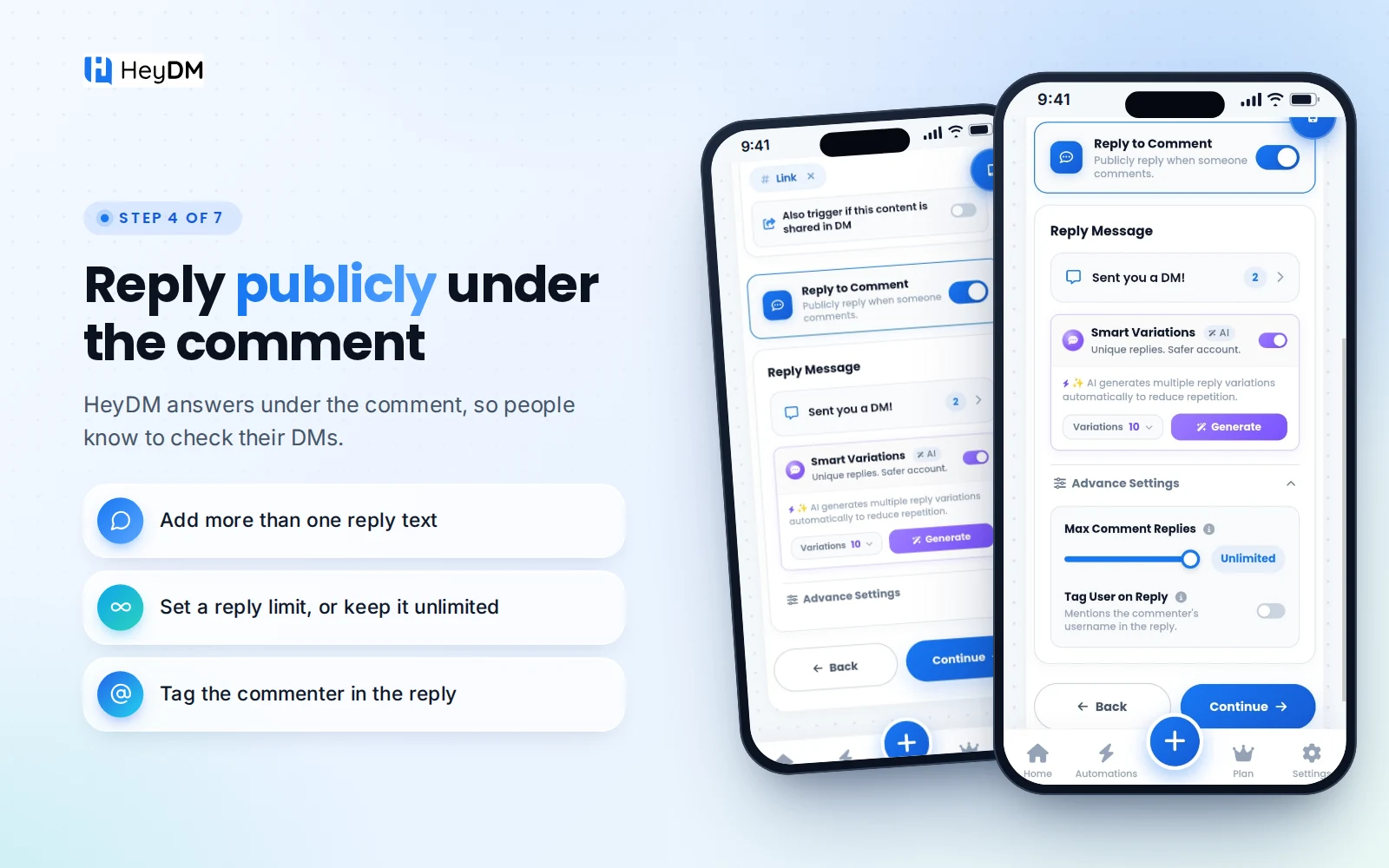
We'd also put the link in that first automatic DM, not in a later one. Instagram allows one private reply per comment, and the person has to reply before anything else can be sent. If the first DM is sitting in their Requests with no link, you've lost them.
HeyDM sends these replies through Meta's official API with Instagram Login (no password shared). It costs ₹419/mo in India, with a 14-day free trial and no free plan.
FAQ
What is a message request on Instagram?
It's a DM from someone you don't follow. Instagram keeps it in a separate Requests folder until you accept, delete or block it.
If I delete a message request, will the person know?
No. Instagram doesn't notify them. They can still try to message you again later unless you block them.
Can someone see if I read their message request?
No. They only see "Seen" after you accept the request. You can open and read it safely before deciding.
Why are my message requests not showing?
Check Hidden requests at the bottom of the Requests list, the General tab if you use a professional account, and your message controls in Settings and privacy → Messages and story replies. The sender may also have unsent the message.
How do I find hidden message requests on Instagram?
Open your DM inbox, tap Requests, then scroll to the bottom and tap Hidden requests. Instagram's filters put possible spam or offensive messages there.
Why did my message go to requests even though they follow me?
What matters is whether they follow you. If they don't, your message lands in their Requests. Your following them doesn't change that.
Can I turn off message requests on Instagram?
Yes. In Settings and privacy → Messages and story replies → Message controls, set the groups you don't want to hear from to "Don't receive requests". Businesses usually shouldn't, because new customers always arrive as requests.
Your Next Step
Open your Instagram inbox right now, tap Requests, and scroll to Hidden requests at the bottom. If you find customer questions waiting there, answer them today. If most of them are the same "price?" or "link?" question from your Reels, set up comment-to-DM once so the answer goes out on its own. Instagram's Help Center has the official notes on message settings if you want to check anything.