Instagram "Message Not Sent"? Why It Happens and How to Fix It
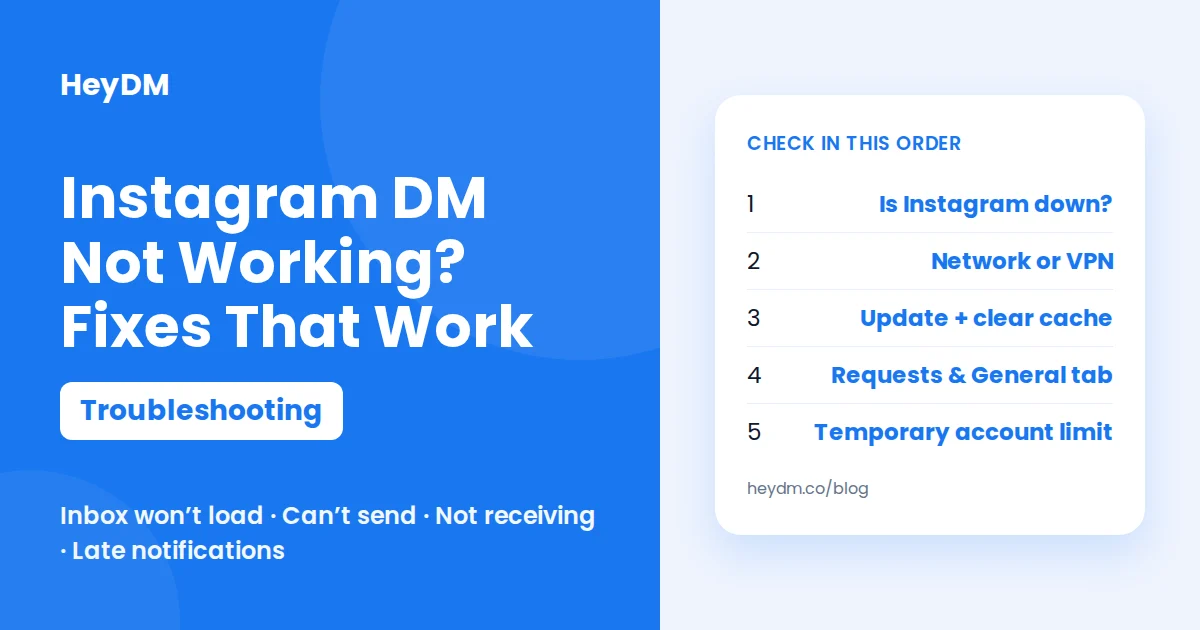
The red "!" means your Instagram DM never left your phone. Find the real cause in 2 minutes: network, account limit, their settings, or a blocked link.
 Aanchal
Short answer: "Message not sent" (the red circle with a "!" next to your DM) means Instagram never delivered it. Usually your connection dropped mid-send, Instagram has put a temporary limit on your account, or the other person's settings don't accept your message. Tap the "!" and retry once. If it fails again, check the reasons below in order.
This error is narrower than DMs being broken in general. Your inbox loads, other chats work, but this one message refuses to go. That points to a small set of causes, and most of them you can identify in two minutes.
If your whole inbox won't load or nothing at all is sending, start with our guide to Instagram DMs not working instead.
What Does "Message Not Sent" Look Like on Instagram?
Instagram shows the same failure in a few different ways depending on your phone and app version:
- A red circle with an exclamation mark next to the message bubble
- "Not delivered" or "Couldn't send. Tap to retry." under the message
- "Message failed to send" as a pop-up
- A message that stays grey with a small clock icon and never turns into a normal bubble
All of them mean the same thing: the message is stuck on your phone. The other person has not received it, has not been notified, and can't see it.
One thing people confuse with this: a message that was sent but has no "Seen" under it. That's not an error. It's delivered and waiting, maybe sitting in their Requests folder. We explain the difference between sent, delivered and seen in what a DM means on Instagram.
Why Does Instagram Say "Message Not Sent"? The Quick Diagnosis
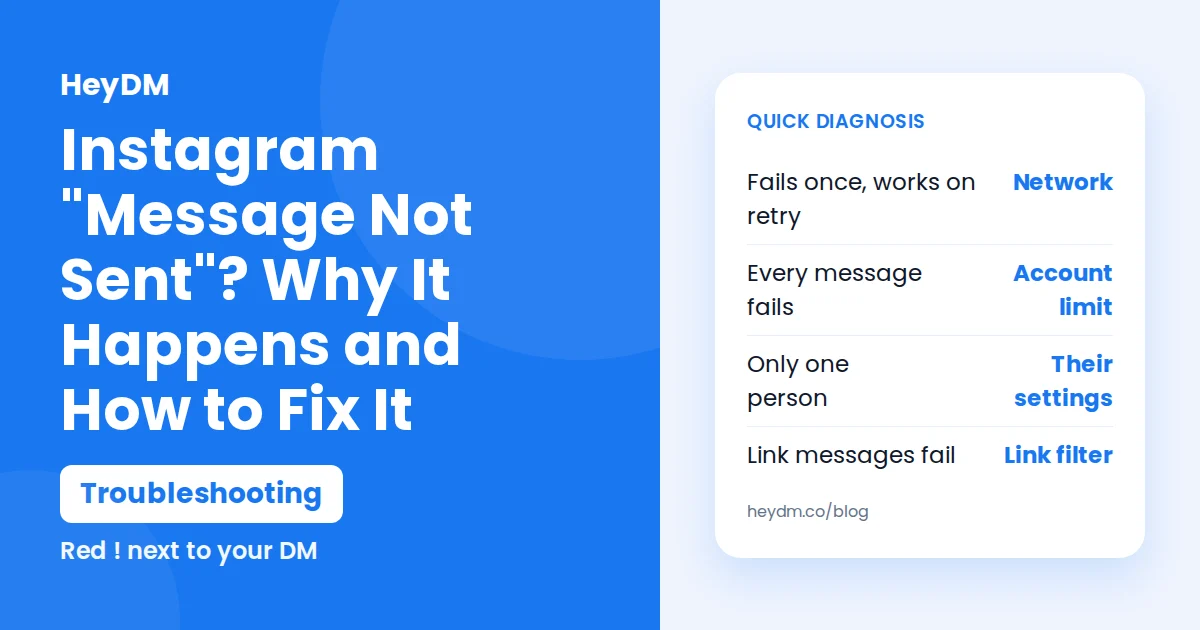
| What's happening | Most likely cause | Fix |
| Fails once, works on retry | Weak or switching network | Fix 1 |
| Every message to everyone fails, with "Try again later" | Temporary action limit on your account | Fix 3 |
| Only messages to one person fail | Their message controls, Restrict, block, or they don't follow you | Fix 4 |
| Text sends, but the message with a link fails | Instagram is filtering the link | Fix 5 |
| Text sends, but a photo or video fails | File too big, unsupported format, or a request limit | Fix 6 |
| Your automatic DMs show as failed in your tool | Messaging window closed or connection expired | Automation section |
Honestly, the table settles it for most people. If only one person is affected, it's almost never your phone. Stop reinstalling the app and look at Fix 4.
Send your links by DM, automatically
HeyDM replies to every comment with your link, on Meta’s official API.
14-day free trial, then $9.99/month or $99/year. Cancel anytime.
1. Did Your Network Drop While Sending?
This is the boring answer and the most common one. Instagram sends a DM in one go. If your phone moves from Wi-Fi to mobile data at that exact moment (leaving home, getting into a lift, a metro going underground in Mumbai), the message fails and shows the red "!".
Tap the "!" and choose to resend. If it goes through, you're done. If it fails again, switch networks on purpose: turn Wi-Fi off and try on mobile data, or the other way round. Also switch off any VPN or ad-blocking DNS app for a minute. Some of them break Instagram's messaging connection while the feed still scrolls normally, which is confusing.
2. Is the App Itself Stuck?
If the network is fine and messages still fail, force-close Instagram and open it again. Then update it from the Play Store or App Store. Old app versions sometimes stop working properly with Instagram's newer messaging system, and the symptom is exactly this: some messages go, some don't.
On Android you can also clear the app cache (Settings → Apps → Instagram → Storage → Clear cache). Don't tap Clear data unless you know your password, because that logs you out. On iPhone, offload the app in Settings → General → iPhone Storage and reinstall it. Your chats are stored on Instagram's servers, so you won't lose them.
A quick way to tell app versus account: log in at instagram.com in your phone browser and try sending the same message from there. If it works in the browser, the app was the problem.
3. "Try Again Later": Has Instagram Limited Your Account?
If every new message fails, to everyone, and you sometimes see "Try again later" or "We restrict certain activity to protect our community", Instagram has put a temporary limit on your account. It happens most often after sending a lot of similar messages in a short time. Think of a boutique owner in Lucknow copy-pasting the same price reply to forty people after a sale Reel goes viral.
What to do:
- Stop sending DMs for now. Repeated retries can keep the limit going longer.
- Open Settings and privacy → Account Status and check for anything flagged.
- If you think it's a mistake, use "Tell us" on the warning or report a problem from Settings and privacy → Help.
- When it lifts, send fewer copy-paste messages back to back.
Instagram does not publish an exact number for how many DMs is too many, and anyone who gives you a precise figure is guessing. We cover what is actually known in Instagram DM limits.
4. Why Won't My Message Send to One Person Only?
When everything works except one chat, the other person's account is the reason. The usual suspects:
- Their message controls. In Settings and privacy → Messages and story replies, people can choose who may message them. If they've turned off requests from people they don't follow, your message can't be delivered.
- They restricted or blocked you. A block usually stops messages completely. Restrict is quieter: your messages go to their requests and you won't see "Seen".
- They deactivated or deleted their account. The chat may still show their old name, but messages fail.
- It's a Teen Account. Instagram limits who can message teenagers, and adults they don't follow mostly can't.
- They don't follow you. Instagram puts limits on message requests to people who don't follow you. A second message, or a photo, may not go through until they accept the first.
There is no setting on your side that overrides any of these. That's by design. The only fix is to reach the person another way, or wait for them to accept or follow you.
5. Why Do Messages With Links Fail?
This one surprises people. Your "hi" goes through, but the message with your website or payment link shows the red "!".
Instagram scans links in DMs. Shortened links, links that redirect several times, and domains that a lot of people have reported get blocked or quietly dropped. A new link sent to many people very quickly can also trigger the filter.
Try sending the full, normal URL of your own website instead of a shortener. If that fails too, send the message without the link, and share the link once the person replies. And if your own domain keeps getting blocked, ask a friend to try opening it, because the domain itself may have been flagged.
6. Why Won't My Photo or Video Send?
Text works, media doesn't. Check these:
- The video is very long or very large. Trim it, or share it as a Reel and send the Reel.
- The file format is unusual, like a screen recording in a format Instagram doesn't accept. Save it as a normal video first.
- Your phone is low on storage, so Instagram can't prepare the upload.
- You're messaging someone who doesn't follow you yet, and media in requests is restricted.
What Most Guides Get Wrong About This Error
Most guides list fifteen fixes and tell you to try all of them. That wastes time, and two of their favourite fixes can make things worse.
First, "log out and log back in" is not harmless when your account has an activity limit. Repeated logins from the same phone in a short time can look suspicious too. Fix the limit first.
Second, deleting and resending the same message ten times doesn't help. If Instagram filtered it for content or a link, each retry is another identical message, which is precisely the pattern it filters.
Our opinion: read the diagnosis table, pick the one row that matches, and fix only that.
How Do You Delete a Message That Didn't Send?
Long-press the failed message and choose Delete (some versions show "Unsend"). Since it never reached the other person, removing it on your side is enough. Nothing is left in their inbox, and they get no notification.
What If Your Automatic DMs Show "Not Sent"?
If you run a business account with automation, a failed DM in your tool usually has a different cause from all of the above. Instagram allows an automatic DM only when the person contacted you first, and it sets two windows:
- One private reply per comment, within 7 days of the comment. A second DM to the same commenter, or a DM to a 10-day-old comment, won't send.
- 24 hours after the person's last message. Once that passes, the conversation is closed for automated messages until they write again.
The other common cause is an expired connection. If you changed your Instagram password, the tool loses access and every DM fails until you reconnect. In HeyDM, check Settings → Instagram & Safety: if the account shows Expired, reconnect it with Instagram Login and your automations pick up again.
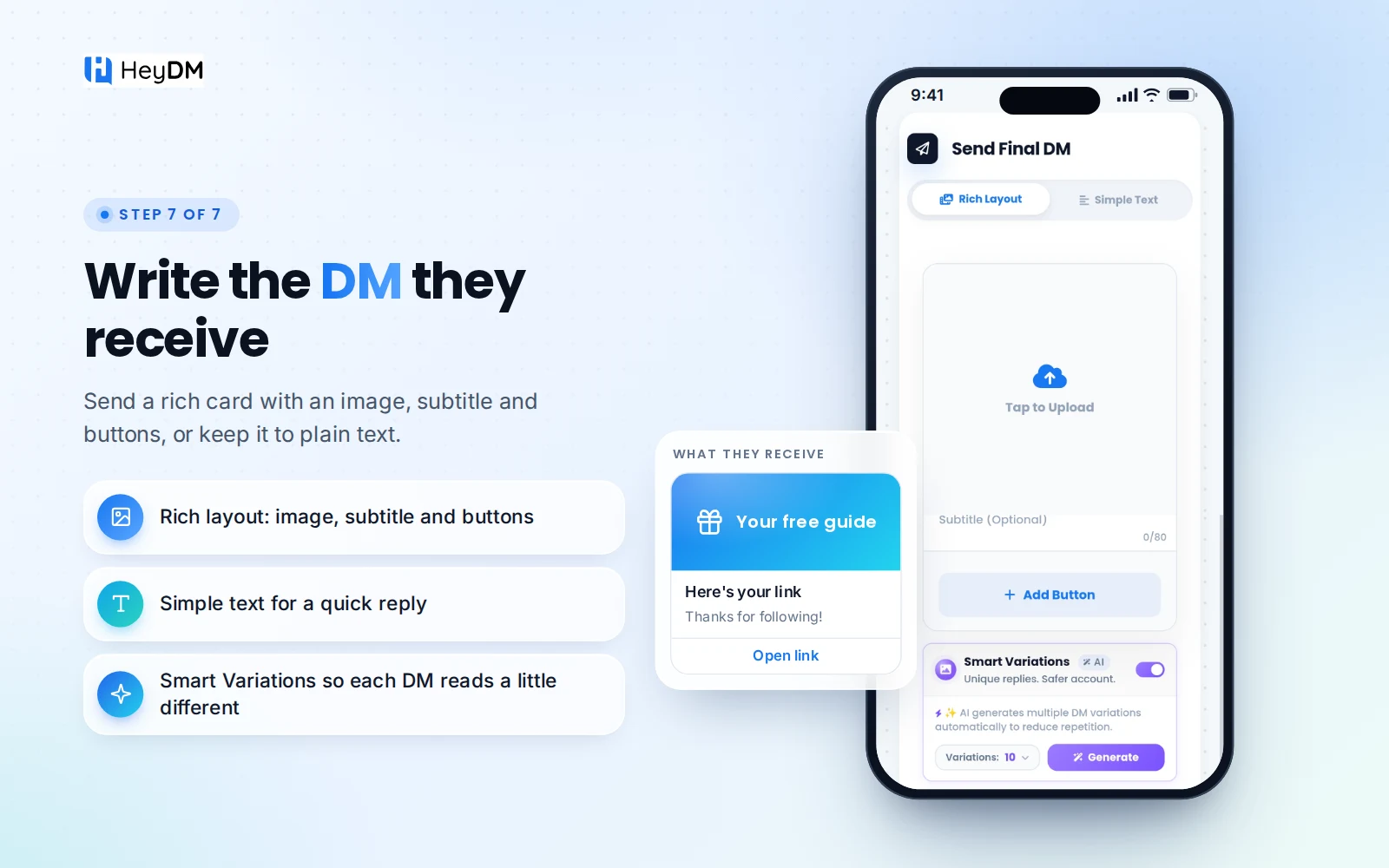
That's also why we tell everyone setting up automation to put the link in the first message, not a later one. The first DM is the one Instagram always allows. A follow-up only goes out if the person replies.
HeyDM sends these DMs through Meta's official API, connects with Instagram Login (no password shared) and paces sending with Smart Safe Mode, so a viral Reel doesn't fire hundreds of identical DMs in one burst. It costs ₹419/mo in India, with a 14-day free trial and no free plan.
Still Not Sending? Report It to Instagram
If none of the fixes match and the error has lasted more than a day, report it from inside the app: shake your phone while in the chat (if "Shake to report" is on), or go to Settings and privacy → Help → Report a problem. Include a screenshot of the red "!". Instagram's own Help Center also lists known messaging issues.
FAQ
What does the red exclamation mark mean on an Instagram message?
It means the message was not sent. It is still on your phone and the other person can't see it. Tap the mark to retry or delete it.
Why does Instagram say "message not sent" to only one person?
Their settings are blocking it: they may not accept messages from people they don't follow, they may have restricted or blocked you, their account may be deactivated, or it may be a Teen Account.
Why are my Instagram messages not sending but I can receive them?
Most likely Instagram has put a temporary limit on your account, often after many similar messages sent quickly. Stop sending for a while and check Settings and privacy → Account Status.
Does "not delivered" mean I'm blocked on Instagram?
Not necessarily. A block is one possible cause, but a dropped connection, a link filter or the person's message settings show the same error. If messages to everyone else work and their profile also disappears for you, a block is more likely.
Why won't Instagram let me send a link in DMs?
Instagram filters links in messages. Shortened links, redirect chains and reported domains are blocked more often. Send your full website URL, or share the link after the person replies.
Does the other person get notified about a message that wasn't sent?
No. A message with the red "!" never reached Instagram's servers, so the other person gets nothing and sees nothing.
Why are my automatic DMs failing?
Usually the messaging window closed (one private reply per comment within 7 days, or 24 hours after the person's last message), or your Instagram connection expired after a password change. Reconnect the account in your tool and check the automation is switched on.
Your Next Step
Go back to the diagnosis table, find the one row that matches what you see, and do only that fix. If the failed messages are your own replies to "price?" and "link?" comments, set those up as an Instagram auto DM once, and stop sending them by hand.