Instagram DM Not Working? 9 Fixes That Actually Work
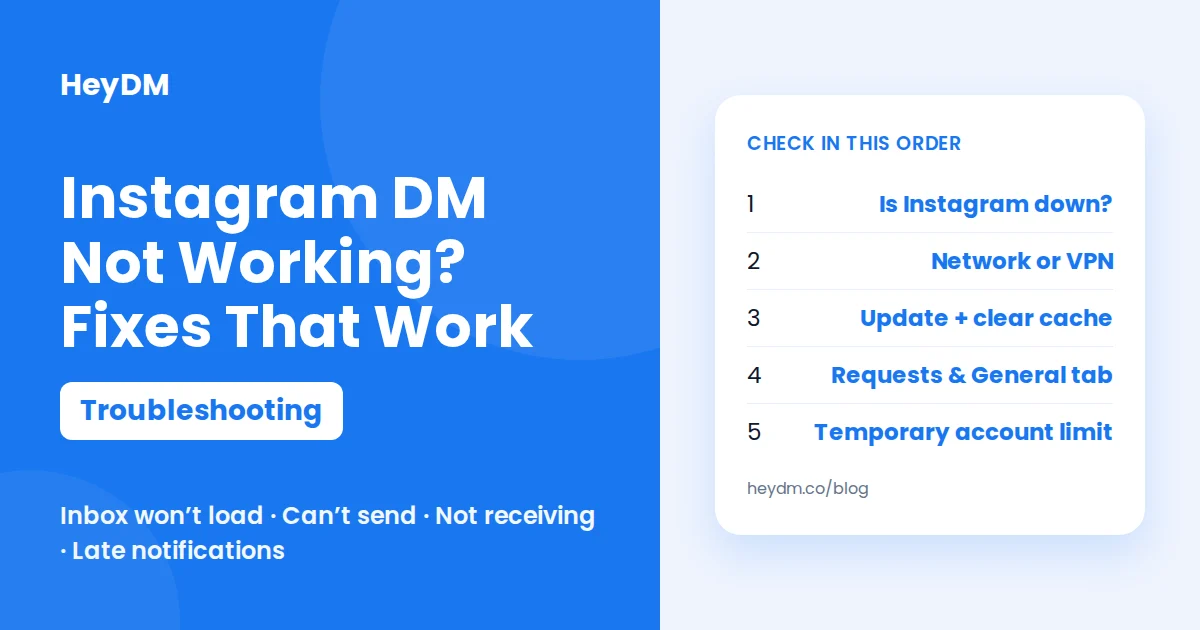
Instagram DMs not loading, not sending or not arriving? Check these fixes in order: outage, network, cache, Requests, account limits and blocked chats.
 Aanchal
Short answer: when Instagram DMs stop working, the cause is usually one of four things: Instagram itself is having an outage, your app or phone is blocking it (old version, cache, battery saver), Instagram has put a temporary limit on your account, or the other person's settings stop your message. Work through the checks below in order. Most people find the problem in the first five.
"DMs not working" means different things to different people, so first figure out which kind of broken you have. Then fix only that one.
Which Kind of "DM Not Working" Do You Have?
| What you see | Most likely cause | Jump to |
| Inbox won't load, spinning wheel, blank screen | Outage, network or app cache | Fixes 1–4 |
| You can read chats but can't send anything | Temporary action block or account limit | Fix 7 |
| You can't message one particular person | Their message controls, Restrict, block or Teen Account rules | Fix 8 |
| People say they messaged you but you see nothing | Requests, Hidden requests or the General tab | Fix 5 |
| Messages arrive but notifications come late or never | Battery saver, data saver or muted chat | Fix 6 |
| Your automatic DMs stopped going out | Expired connection, paused automation or the 24-hour rule | Automation section |
Our honest opinion: the last two rows cause more panic than any real bug. When a Pune gym owner says enquiries "stopped" after Diwali, the messages are usually sitting in General or Requests the whole time.
1. Is Instagram Down Right Now?
Before you touch your phone, check whether it's just you. Search "Instagram down" on X, or look at Downdetector India and Meta's own status page. If lots of people in India are reporting DM problems at the same time, there is nothing to fix on your side. Wait it out.
Outages often hit one feature only. The feed can scroll fine while messages refuse to send, which fools people into reinstalling the app for no reason.
Send your links by DM, automatically
HeyDM replies to every comment with your link, on Meta’s official API.
14-day free trial, then $9.99/month or $99/year. Cancel anytime.
2. Is It Your Internet or the App?
Switch from mobile data to Wi-Fi, or the other way round. If DMs work on one and not the other, the network is the problem, not Instagram. Turn off any VPN or ad-blocking DNS app too. Some of them interfere with Instagram's messaging connection while the rest of the app still loads.
A quick test that settles it: open instagram.com in your phone browser, log in, and tap Messages. If DMs work there, your Instagram app is the problem. If they fail there too, it's your account or Instagram's servers.
3. Update Instagram and Restart Your Phone
Instagram changes its inbox often, and old app versions sometimes stop talking to the new messaging system properly. Open the Play Store or App Store, search Instagram and tap Update if you see it. Then restart the phone. Not just the app, the whole phone.
Also check that your phone's date and time are set to automatic. A wrong clock breaks secure connections, and messaging is one of the first things to fail.
4. Clear the Cache (Android) or Offload the App (iPhone)
A corrupted cache is a classic reason for a blank inbox or chats that never finish loading.
- Android: Settings → Apps → Instagram → Storage → Clear cache. Don't tap Clear data unless you're happy to log in again.
- iPhone: Settings → General → iPhone Storage → Instagram → Offload App, then reinstall it from the same screen. Your chats are stored on Instagram's servers, so nothing is lost.
If your phone storage is almost full, free some space as well. Instagram needs room to download photos and voice notes in chats, and it behaves badly when it can't.
5. Check Requests, Hidden Requests and the General Tab
This is the fix for "people say they messaged me but I see nothing", and it is the one we'd check first if you sell on Instagram.
- Requests: messages from people you don't follow land here, not in your main chats. On a busy business account, new buyers almost always start here.
- Hidden requests: at the bottom of Requests. Instagram's filter moves messages it thinks are spam or offensive here, and it sometimes catches genuine customers too.
- General: on Creator and Business accounts the inbox is split into Primary and General. Notifications for General are off by default, so chats moved there go quiet.
Picture a Jaipur saree seller in Diwali sale week who decides her DMs are "broken". Open Requests and there they are: every "price?" message, because the buyers were new followers she didn't follow back. Nothing was broken. If you're unsure what each folder means, our guide to what DM means on Instagram explains the whole inbox.
6. Why Do DM Notifications Come Late or Not at All?
If you only see messages when you open the app, the message isn't failing. The notification is.
Many phones sold in India (Xiaomi, Redmi, Realme, Vivo, Oppo, OnePlus) close background apps hard to save battery. Instagram gets killed, so DM notifications arrive late or not at all. Fix it in phone Settings → Apps → Instagram: set battery use to No restrictions or Unrestricted, allow background data, and allow autostart if your phone has that option. Turn off Data Saver for Instagram too.
Then check inside Instagram: Settings and privacy → Notifications → Messages, and make sure message notifications are on. Finally, open the chat itself and check it isn't muted. Muted chats look normal but never ping you.
7. "Try Again Later": Your Account Has a Temporary Limit
If chats load but your messages won't send, or you see a pop-up like "Try Again Later. We restrict certain activity to protect our community", Instagram has put a temporary limit on your account. It usually happens after sending a lot of similar messages quickly, pasting the same link to many people, or after reports from people who didn't expect your message.
What to do:
- Stop messaging for a while. Retrying again and again keeps the limit going.
- Open Settings and privacy → Account Status to see whether Instagram lists any restriction on your account.
- If you think it's a mistake, tap Tell us on the pop-up, or report it from Settings and privacy → Help → Report a problem.
- When the limit lifts, slow down. Copy-pasting one message to 200 people by hand looks exactly like spam to Instagram's systems.
Instagram doesn't publish exact limits. We've put together what is known, and a safe pace for automation, in our guide to Instagram DM limits.
8. Why Can't I Message One Particular Person?
If DMs work with everyone except one account, the reason is almost always on their side:
- Message controls: they may only allow messages from people they follow. Your message then can't be sent, or goes to their Requests.
- Restrict: if they restricted you, your messages go to their Requests and you won't see when they've read them.
- Block: if they blocked you, you can't send them messages at all.
- Teen Accounts: Instagram limits who can message users under 18. Unless they follow you or you're already connected, you usually can't DM them.
- Deactivated or deleted account: the chat may show "Instagram User" and won't accept new messages.
There's no setting you can change to get around these, and you shouldn't try. Leave a comment on their post or wait for them to message you.
9. Still Broken? Log Out, Reinstall, Report
Log out of Instagram on that device, restart the phone and log back in. If that doesn't help, delete and reinstall the app. Still nothing? Shake your phone inside the app to open Report a problem, describe what happens, and attach a screen recording. Instagram's official troubleshooting steps are in the Instagram Help Centre.
What Most "DM Not Working" Guides Get Wrong
Most guides open with "reinstall the app". Honestly, that's rarely the fix. Reinstalling doesn't touch the things that actually stop messages: Requests, Restrict, the General tab, an account limit or someone's message controls. Check those first and you'll save yourself a re-login.
The second mistake is treating an automated-DM failure like an app bug. If your auto-replies stopped but you can still send messages by hand, clearing the cache won't help. The problem is in the automation tool's connection or settings, which is the next section.
What If Your Automatic DMs Stopped Working?
Many sellers and creators in India now send DMs automatically, like a link when someone comments PRICE on a Reel. When those stop, these are the usual reasons, and this is how to check each one in HeyDM, the tool we make:
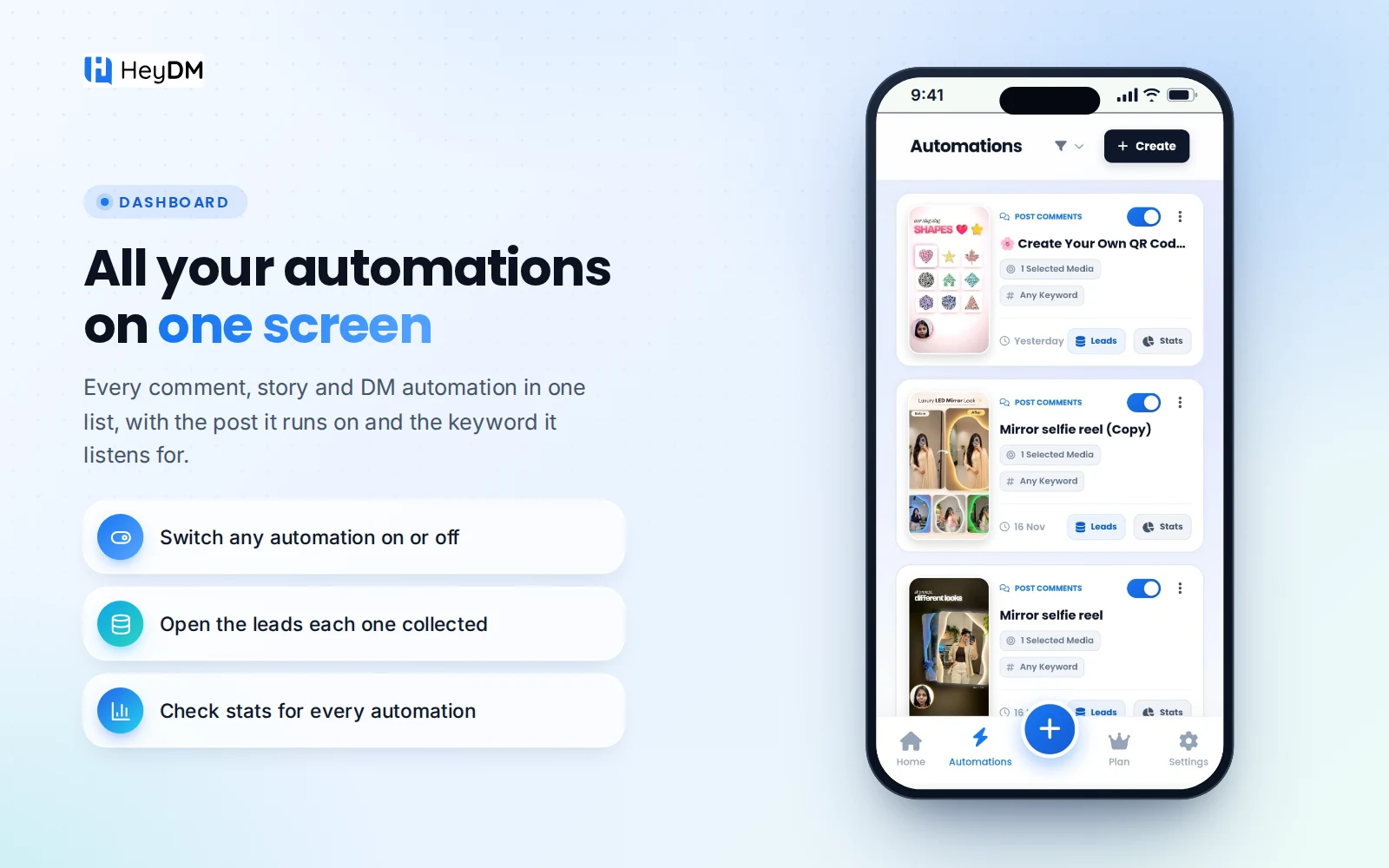
- The Instagram connection expired. In HeyDM, open Settings → Instagram & Safety. If the account shows Expired, tap Why did this happen?. The three usual reasons are listed there: you changed your Instagram password, you removed HeyDM's access in Instagram's settings, or Meta logged you out for security. Reconnect with Instagram Login and the automations carry on.
- An automation is paused. Settings → Automation → Automation Status has a Global Automations switch and separate switches for comments, Stories and DMs. One switch left off after a busy week is a common cause.
- The hourly limit was reached. If you set an Hourly Comment Reply Limit under Smart Safe Mode, replies pause once it's hit and resume automatically the next hour. On a Reel that's taking off this can look like a failure for a few minutes.
- Instagram's own rules. Official tools can only reply to people who commented, replied to your Story or messaged you first, and only within 24 hours of their last message. Each comment can get one private reply. No tool on Meta's API can send cold DMs.
For tool-specific problems we have two detailed checklists: Instagram auto reply not working and comment automation not working.
If you don't use automation yet and your inbox is full of the same "price?" and "link?" questions, that's where it helps. HeyDM replies to comments, Story replies and DMs through Meta's official API, connects with Instagram Login (no password shared) and paces replies with Smart Safe Mode. It costs ₹419/mo in India, with a 14-day free trial and no free plan. See how it works on the Instagram auto reply page.
Seeing a red "!" next to one message rather than a broken inbox? That error has its own short list of causes, covered in Instagram "message not sent".
FAQ
Why are my Instagram DMs not loading?
Usually an Instagram outage, a weak connection or a corrupted app cache. Check whether Instagram is down, switch between Wi-Fi and mobile data, update the app, then clear the cache (Android) or offload and reinstall it (iPhone).
Why can't I send DMs on Instagram but can see them?
Instagram has most likely put a temporary limit on your account, often after many similar messages sent quickly. Stop messaging for a while, check Settings and privacy → Account Status, and report the problem if you think it's a mistake.
Why am I not receiving DMs on Instagram?
The messages are probably in Requests, Hidden requests or the General tab, which has notifications off by default on professional accounts. Also check your message controls in Settings and privacy → Messages and story replies.
Why can't I DM one specific person?
Their settings decide it: they may only accept messages from people they follow, they may have restricted or blocked you, or they may have a Teen Account, which limits who can message them.
Why do Instagram DM notifications come late?
Battery saving on your phone is closing Instagram in the background. Set Instagram's battery use to unrestricted, allow background data and autostart, and check the chat isn't muted.
Will I lose my chats if I reinstall Instagram?
No. Normal Instagram chats are saved on Instagram's servers and come back when you log in again.
Why did my automatic Instagram DMs stop?
Most often the tool's Instagram connection expired after a password change, or an automation was paused. Reconnect the account in your tool's settings and check that the automation switches are on.