Instagram Automation Kya Hai? Simple Hindi Guide (2026)
Instagram automation kya hai, simple Hindi mein: auto DM, comment-to-DM, auto reply aur scheduling ka matlab, kaunsa safe hai aur shuruaat kaise karein.
 Aanchal
Instagram pe "automation" shabd aajkal har jagah sunne ko milta hai: auto DM, auto reply, scheduling, bots. Lekin iska asli matlab kya hai, kaunsa automation safe hai aur kaunsa account ke liye khatarnak? Is guide mein hum simple Hindi mein samjhayenge ki Instagram automation kya hai, iske types kya hain aur shuruaat kaise karein.
Short answer: Instagram automation ka matlab hai Instagram ke repeat hone wale kaam, jaise comments ka jawab dena, DM mein link bhejna ya post schedule karna, ek tool ya setting ke through apne aap karwana. Sahi automation sirf unhi logon ko reply karta hai jinhone pehle comment ya message kiya, aur Meta ke official API se chalta hai.
Note: hum HeyDM banate hain, jo ek Instagram DM automation tool hai. Is guide mein Instagram ke free built-in options bhi bataye gaye hain.
Instagram Automation Kya Hai? (Meaning in Hindi)
"Automation" ka Hindi matlab hai swachalan, yaani koi kaam jo ek baar set karne ke baad apne aap hota rahe. Instagram automation mein aap ek rule banate ho, jaise "jo bhi meri Reel pe LINK comment kare, use DM mein link bhej do", aur fir tool har baar wahi kaam khud kar deta hai.
Isse do fayde hote hain. Pehla, aapka time bachta hai, kyunki 500 comments ka jawab haath se dena mushkil hai. Doosra, logon ko turant jawab milta hai, raat ko bhi, aur wo aapka link ya product dekhne ke liye ruk jaate hain.
Instagram Automation Ke Types
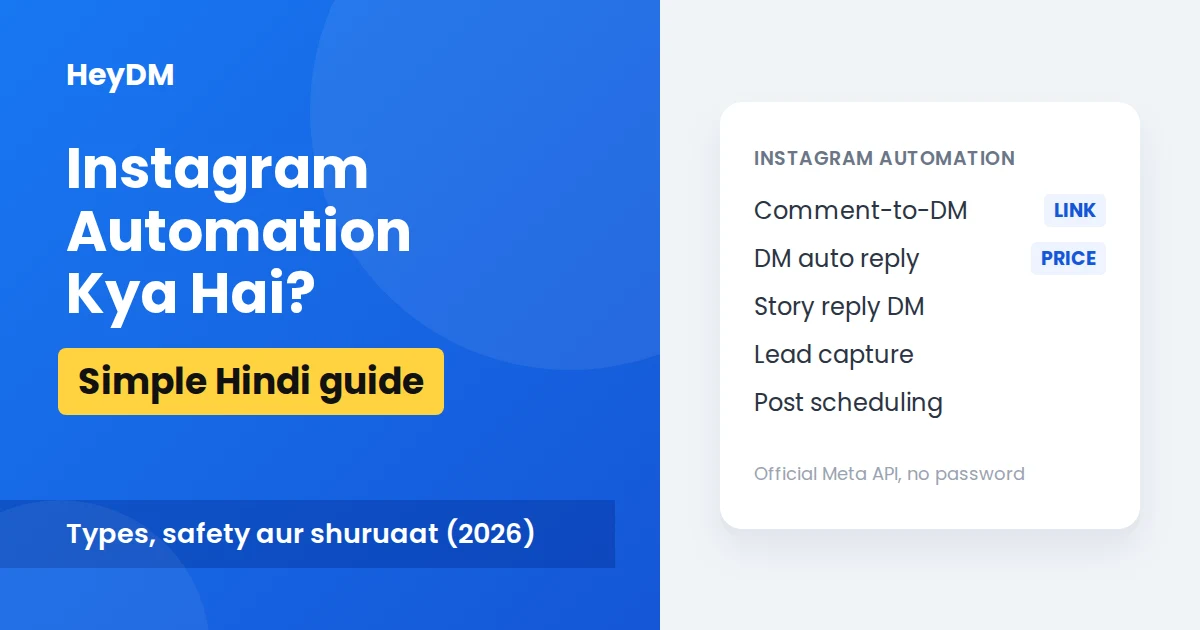
Instagram automation ek cheez nahi hai. Ye alag alag kaamon ka group hai:
| Type | Kya karta hai | Kahan milta hai |
|---|---|---|
| Post scheduling | Post ya Reel pehle se ready karke baad ki date aur time pe publish karna | Instagram app (Professional account) aur scheduling tools |
| Saved replies | Baar baar likhe jaane wale jawab ka shortcut | Instagram app, free (lekin bhejna aapko khud padta hai) |
| Comment-to-DM | Keyword comment karne wale ko apne aap DM mein link bhejna | DM automation tools |
| DM auto reply | DM mein "price" ya "details" jaise shabd aane par ready jawab | Meta Business Suite (basic) aur DM automation tools |
| Story reply automation | Story pe reply ya reaction karne walon ko DM bhejna | DM automation tools |
| Lead capture | DM mein email ya phone number maangna aur save karna | DM automation tools |
Jab log "Instagram automation tool" bolte hain, to zyada tar unka matlab DM automation se hota hai, kyunki sabse zyada time comments aur DMs ka jawab dene mein jaata hai.
Send your links by DM, automatically
HeyDM replies to every comment with your link, on Meta’s official API.
14-day free trial, then $9.99/month or $99/year. Cancel anytime.
DM Automation Kya Hota Hai? (Auto DM Kya Hai)
DM automation ka matlab hai Instagram Direct Messages ko apne aap bhejna, lekin sirf jawab ke roop mein. Koi aapki post pe comment kare, Story ka reply kare ya aapko message kare, to tool turant use ek DM bhej deta hai.
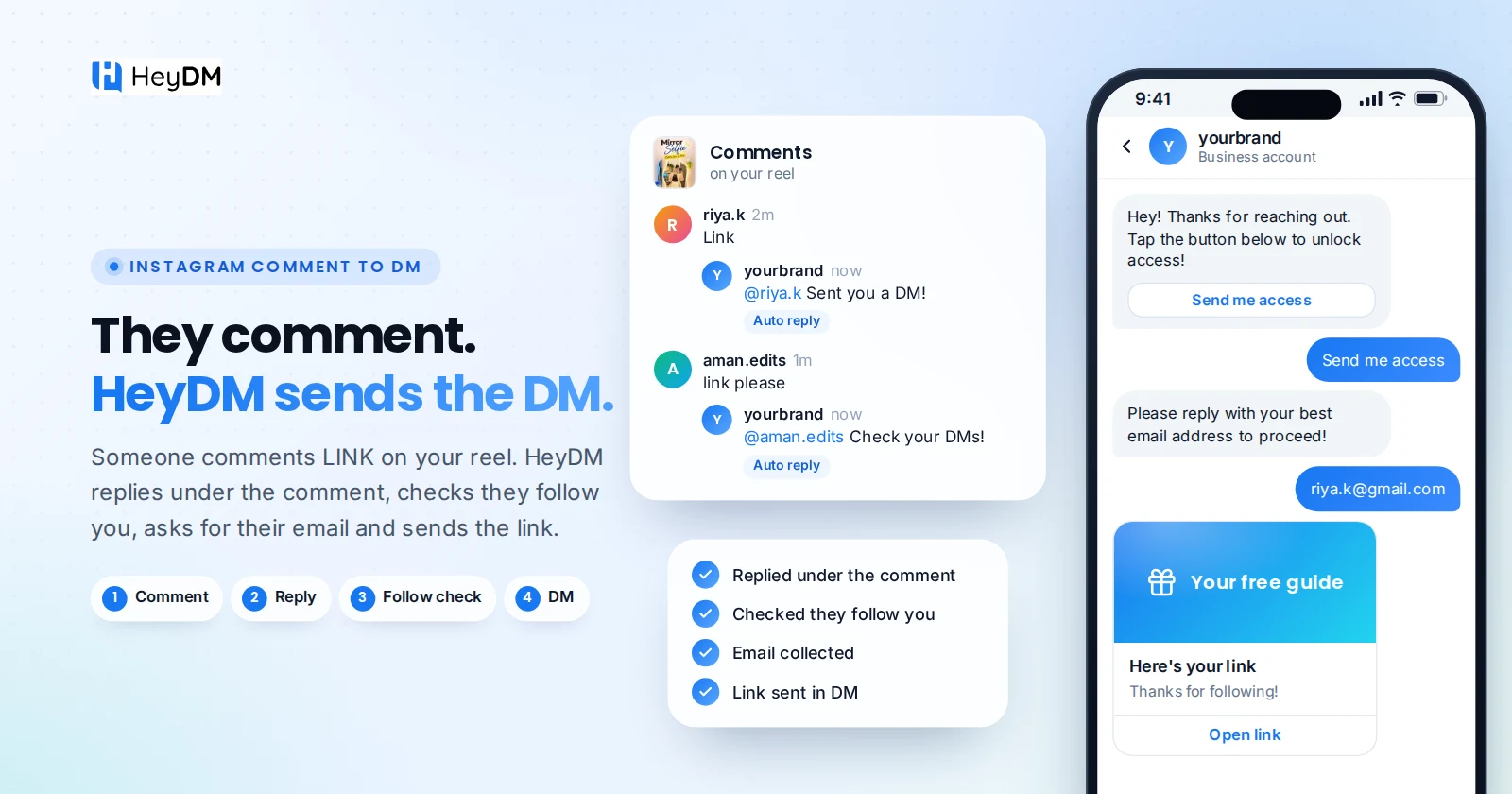
Sabse popular example aapne Reels pe dekha hoga: "Comment karo GUIDE aur main DM mein bhej dunga." Iske peeche teen steps hain:
- Trigger: follower aapka keyword comment karta hai, jaise GUIDE.
- Public reply: comment ke neeche ek chhota reply jaata hai, jaise "DM check karo!"
- DM: follower ko DM mein link, PDF ya product page ka button milta hai.
Ise Instagram comment to DM automation kehte hain. Ise lagane ka poora tareeka hamari Hinglish guide mein hai: Instagram auto DM kaise kare.
Instagram Automation Tool Kya Hai?
Instagram automation tool ek software ya app hai jo aapke Instagram account se connect hokar ye kaam karta hai. Yahan sabse zaroori baat ye hai ki tool connect kaise hota hai:
- Official tool: Meta ke official Instagram API se connect hota hai. Aap Instagram ki apni login screen pe permission dete ho, aur tool ko kabhi aapka password nahi milta.
- Risky bot: aapka username aur password maangta hai, aur fake likes, auto follow-unfollow ya anjaan logon ko DM bhejne jaise kaam karta hai. Ye Instagram ke rules ke khilaaf hai aur account restrict ho sakta hai.
Rule simple hai: jo tool password maange, use mat lo. HeyDM Instagram Login se connect hota hai, isliye Facebook Page ki zaroorat bhi nahi hai. Kaise pehchane ki tool official hai ya nahi, ye yahan padho: kya aapka DM tool Meta approved hai?
Instagram Automation Kaun Use Karta Hai?
- Creators aur influencers: Reel pe affiliate link, freebie PDF ya course ka link bhejne ke liye. Dekho: Instagram automation for creators.
- Online dukaan aur D2C brands: "Price?" aur "COD hai?" jaise sawalon ka turant jawab dene ke liye. Dekho: Instagram automation for ecommerce.
- Coaches aur consultants: webinar ya call booking link bhejne aur email lene ke liye. Dekho: Instagram automation for coaches.
Kya Instagram Automation Safe Hai?
Haan, agar sahi tarike se kiya jaye. Instagram khud businesses ko official API se automated replies bhejne deta hai. Problem tab hoti hai jab automation spam jaisa lagne lagta hai.
Ye theek hai:
- Comment ya message karne walon ko jawab dena
- Official API wala tool use karna
- Bahut comments aane par DMs ko thoda ruk ruk ke bhejna
Ye mat karo:
- Anjaan logon ko cold DM bhejna
- Kisi tool ko apna password dena
- Auto like, auto follow ya fake engagement
Meta ki kuch limits bhi hain: ek comment ke jawab mein sirf ek private DM jaata hai, aur user ke reply ke baad 24 ghante tak hi aage message bhej sakte ho. Poori details: Instagram DM limits 2026. Ban ke sawal pe hamara detailed jawab: kya DM automation se ban hota hai?
Instagram Automation Shuru Kaise Karein (3 Steps)
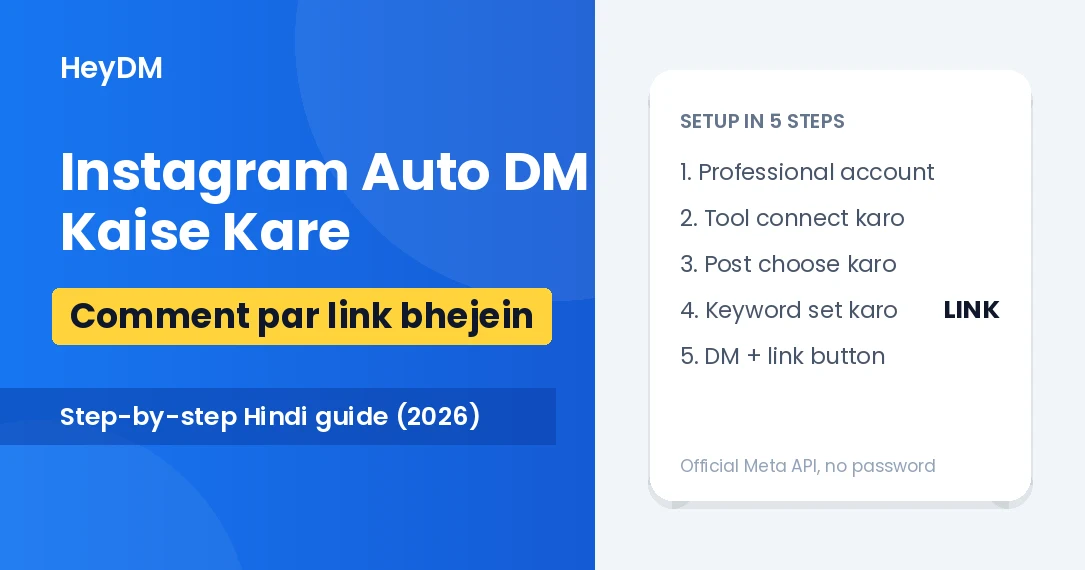
- Professional account banao: Instagram Settings mein account ko Creator ya Business mein switch karo. Personal account pe automation nahi chalti.
- Message access on karo: Settings > Messages and story replies > Message controls > Connected tools mein "Allow access to messages" on karo.
- Official tool connect karo: tool ko Instagram Login se jodo, ek post choose karo, keyword set karo aur DM likho. Kisi doosre account se comment karke test karo.
Har step screenshots ke saath: Instagram auto DM kaise kare. English mein poori beginner guide: Instagram DM automation guide for beginners.
Instagram Automation Ka Kharcha Kitna Hai?
Instagram ke apne options, jaise scheduling aur saved replies, free hain. DM automation tools ke paid plans India mein lagbhag ₹99 se ₹1,200 mahina tak hain, aur kai tools ka free plan bhi hai jisme mahine ki DM limit hoti hai. Saare tools ki rupee prices ek table mein: best Instagram DM automation tools in India.
HeyDM ka ek hi plan hai: India mein ₹419 mahina ya ₹3,999 saal. Isme comment-to-DM, Story replies, DM keywords, ask-to-follow, email aur phone capture, follow-ups aur Smart Safe Mode shaamil hain. Free plan nahi hai, lekin 14 din ka free trial hai. HeyDM pricing dekho.
FAQs
Instagram automation kya hai?
Instagram automation ka matlab hai repeat hone wale kaam, jaise comments ka jawab, DM mein link bhejna ya post schedule karna, ek tool ya setting se apne aap karwana. Ek baar rule set karo, fir tool har baar wahi kaam karta hai.
Instagram automation meaning in Hindi kya hai?
Hindi mein automation ko swachalan kehte hain, yaani apne aap hone wala kaam. Instagram automation matlab Instagram pe replies, DMs ya posting ka kaam bina haath lagaye hona.
Auto DM kya hai?
Auto DM ek automatic Direct Message hai jo kisi ke comment, Story reply ya message ke jawab mein apne aap chala jaata hai. Jaise Reel pe LINK comment karne wale ko DM mein link milna.
Kya Instagram automation free hai?
Kuch hissa free hai: Instagram app mein post scheduling aur saved replies free hain. Keyword wale auto DM, follow gate aur lead capture ke liye aksar ek tool chahiye, jinke free ya paid plans hote hain.
Kya Instagram automation se account ban ho sakta hai?
Official API wale tool se, sirf comment ya message karne walon ko jawab dene par risk kam rehta hai. Password maangne wale bots, fake likes aur cold DMs se account restrict ho sakta hai. Koi bhi tool zero risk ki guarantee nahi de sakta.
Kya personal account pe Instagram automation chalti hai?
Nahi. DM automation ke liye Creator ya Business (Professional) account chahiye. Account switch karna free hai aur kuch hi second lagte hain.
Apna pehla Instagram automation lagana hai? HeyDM ka 14 din ka free trial shuru karein, saare features ke saath. Uske baad ₹419 mahina. Free trial shuru karein.