Instagram Automation Troubleshooting Guides
Step-by-step fixes for Instagram automation that stops working: DMs not sending, auto replies failing and comment triggers not firing.
Instagram automation usually breaks for a small set of reasons: the account is not a Professional (Business or Creator) account, Instagram messaging permissions were switched off, the keyword in the comment does not match the trigger, or Meta has temporarily limited how many messages an account can send. The guides below walk through each cause in the order you should check it, with the exact setting to open and what a working setup looks like.
Start with why comment automation stops working if comments are not getting a DM, or why auto replies fail if DMs are not being answered. If you use HeyDM and still need help, the Help Center covers account connection, billing and common errors.
Before you change any settings, test the way a follower would: use a second Instagram account that does not follow you, comment the exact keyword on a public post, and wait a minute. If the DM reaches the test account but not your real followers, the cause is usually the keyword spelling or the post chosen in the automation. If nothing arrives at all, check the account connection and message permissions first.
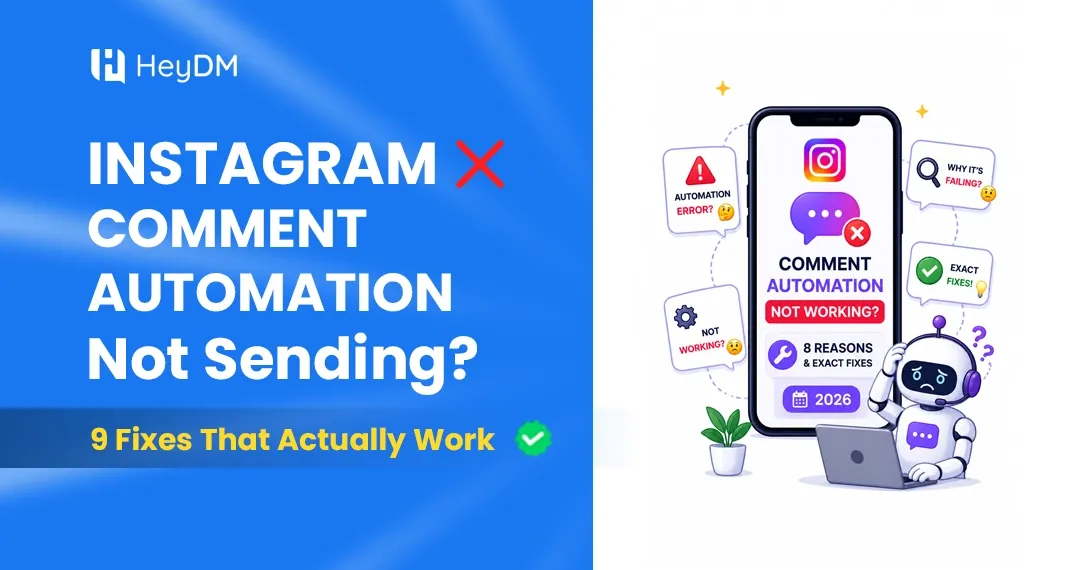
Instagram Comment Automation Not Working? 8 Reasons and Exact Fixes (2026)
You set everything up perfectly. The keyword trigger is there. The DM is written. The campaign is live. Someone comments...
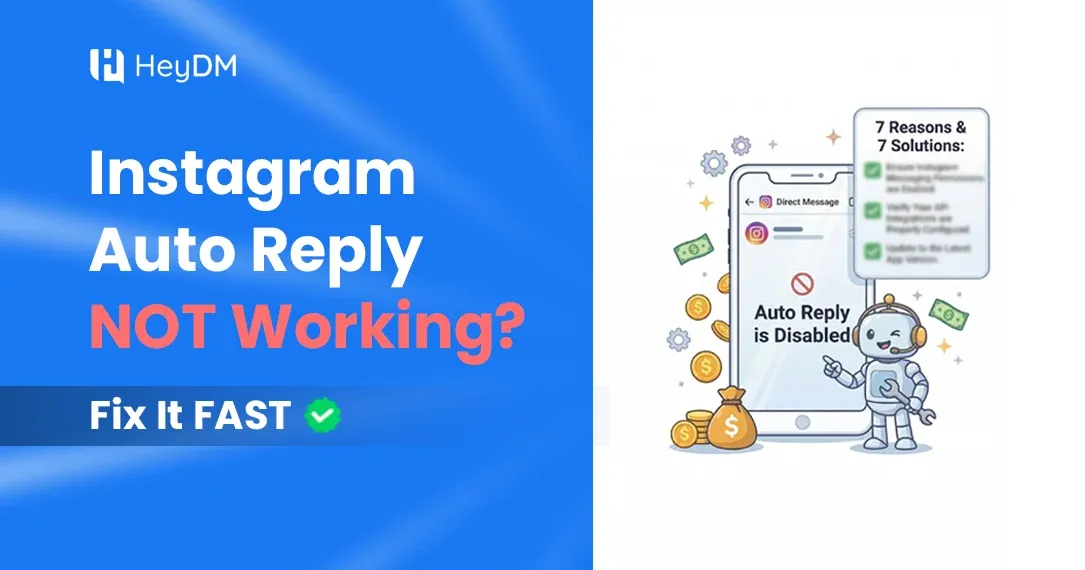
Instagram Auto Reply Not Working? 10 Reasons and How to Fix Each One (2026)
Your followers are commenting "LINK" under the Reel, the tool says the automation is running, and nobody is getting a DM...